Multi-page website generation
Create a complete SaaS website from one brief — homepage, features, pricing, contact, and more.
Creght is an AI SaaS website builder that turns one product brief into a complete, launch-ready marketing website. Create homepage, feature, pricing, FAQ, and contact pages, refine the content and design, then publish on your own domain.
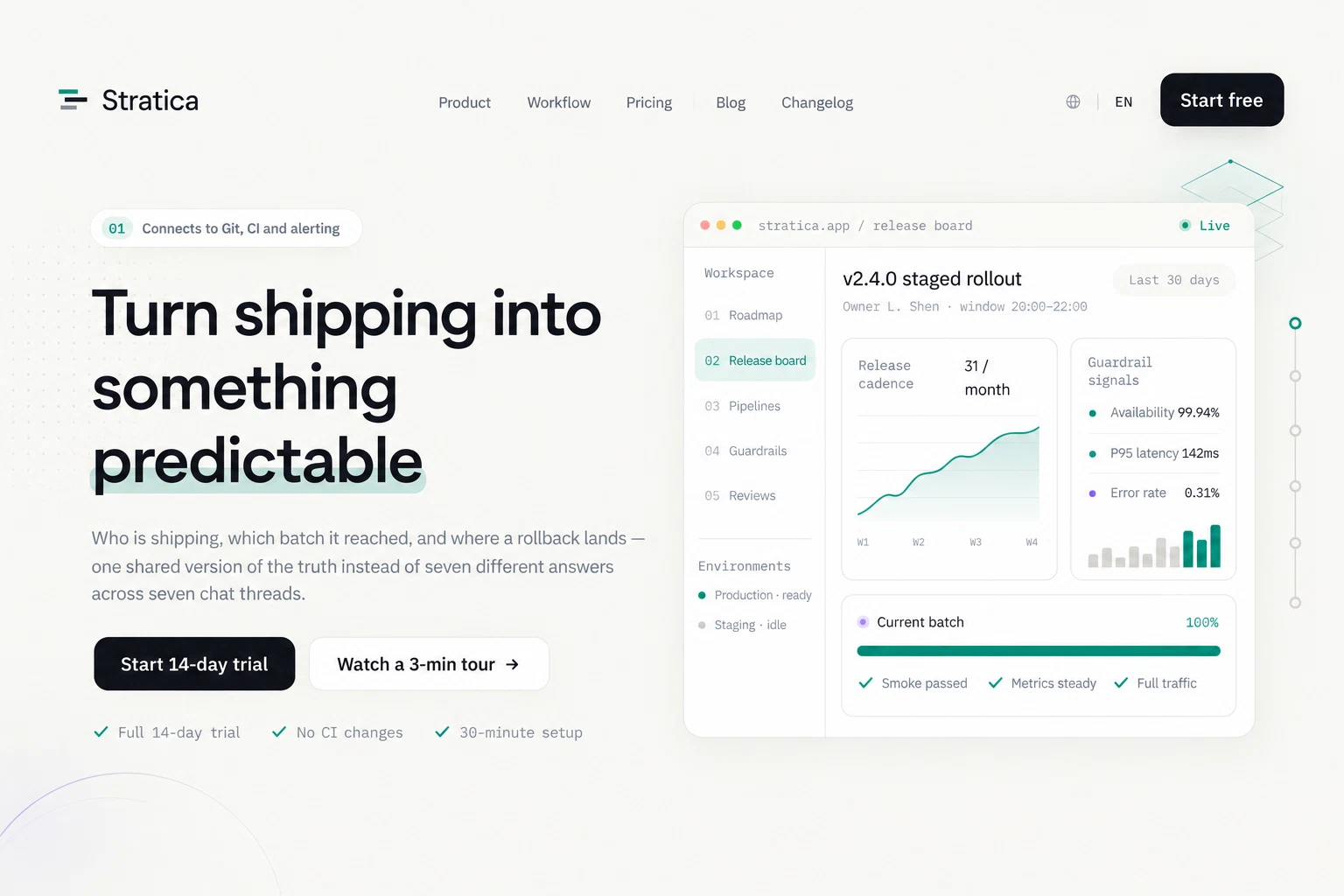
Create a complete SaaS website from one brief — homepage, features, pricing, contact, and more.
Refine with AI or edit supported content directly. Keep every page in your control.
Publish instantly, connect your own domain, and keep improving as your product grows.
Made for your next launch
From your first waitlist to a full product website. Explore different ways to tell your story.
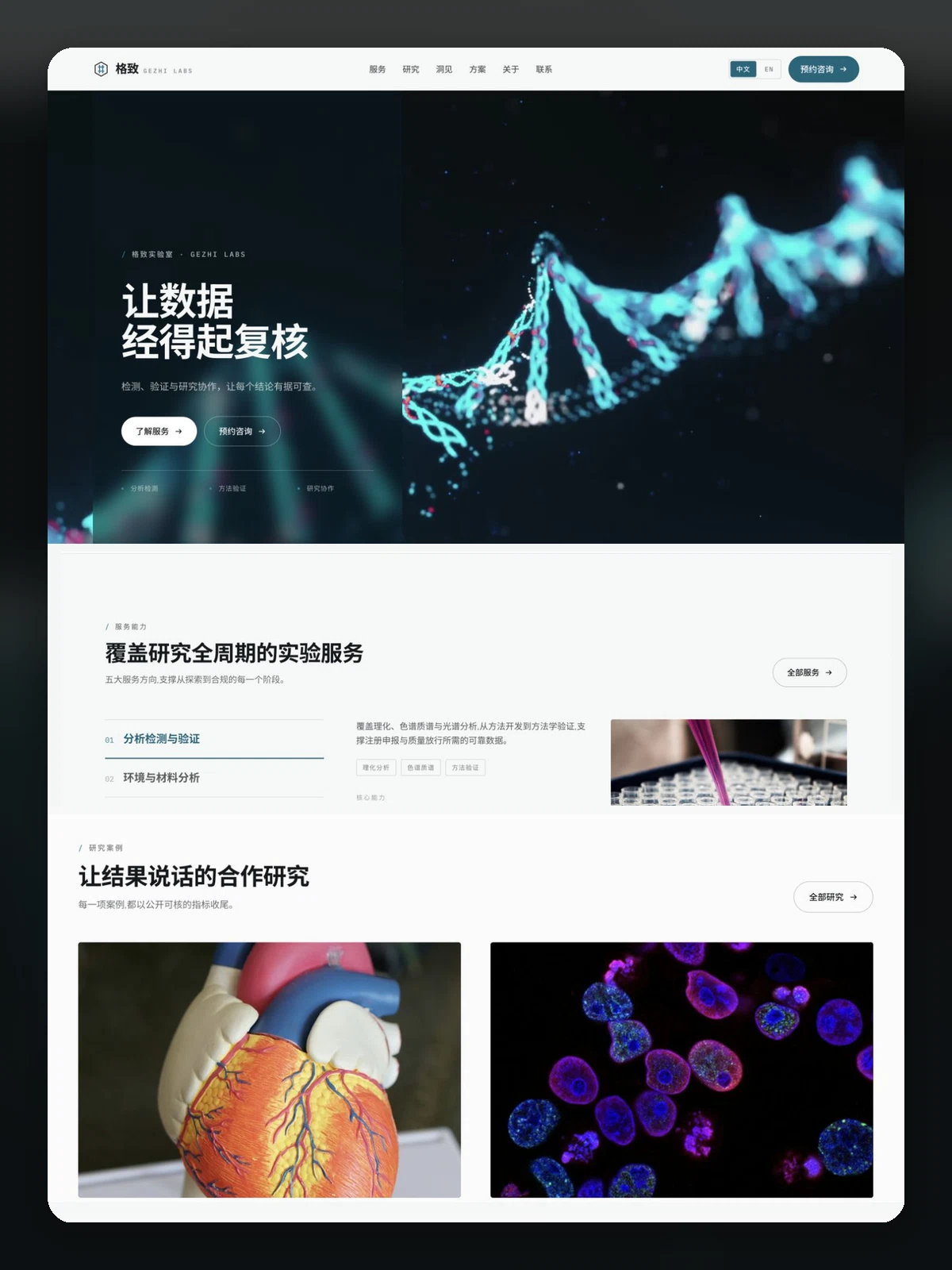
For third-party testing labs, research facilities and CRO-style services. Services, research areas, plans, publications, insights and contact, in Chinese and English.
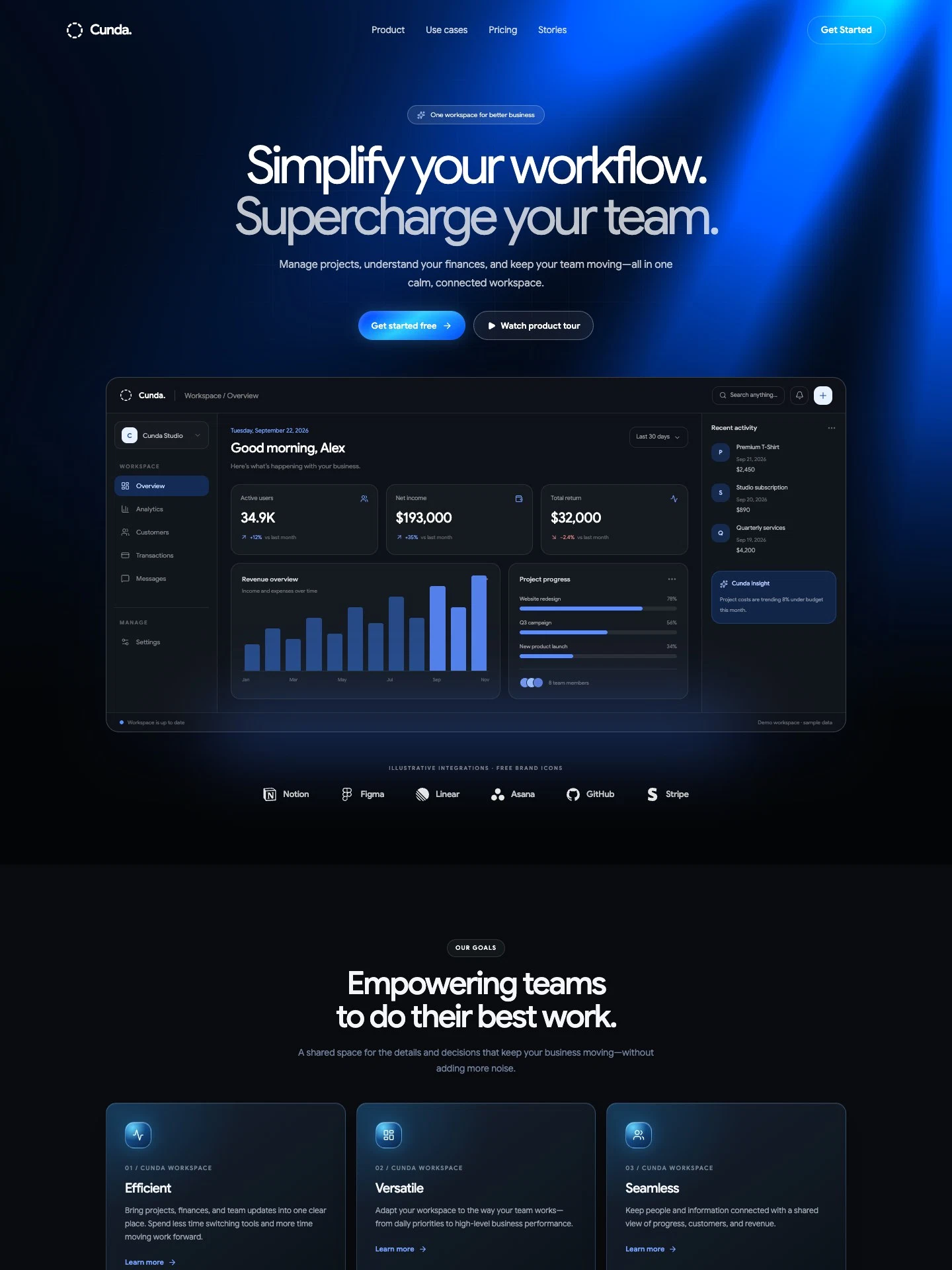
For SaaS teams marketing collaboration and business software. Includes a workspace demo, product benefits, subscription pricing, sample customer stories, and free-trial calls to action.
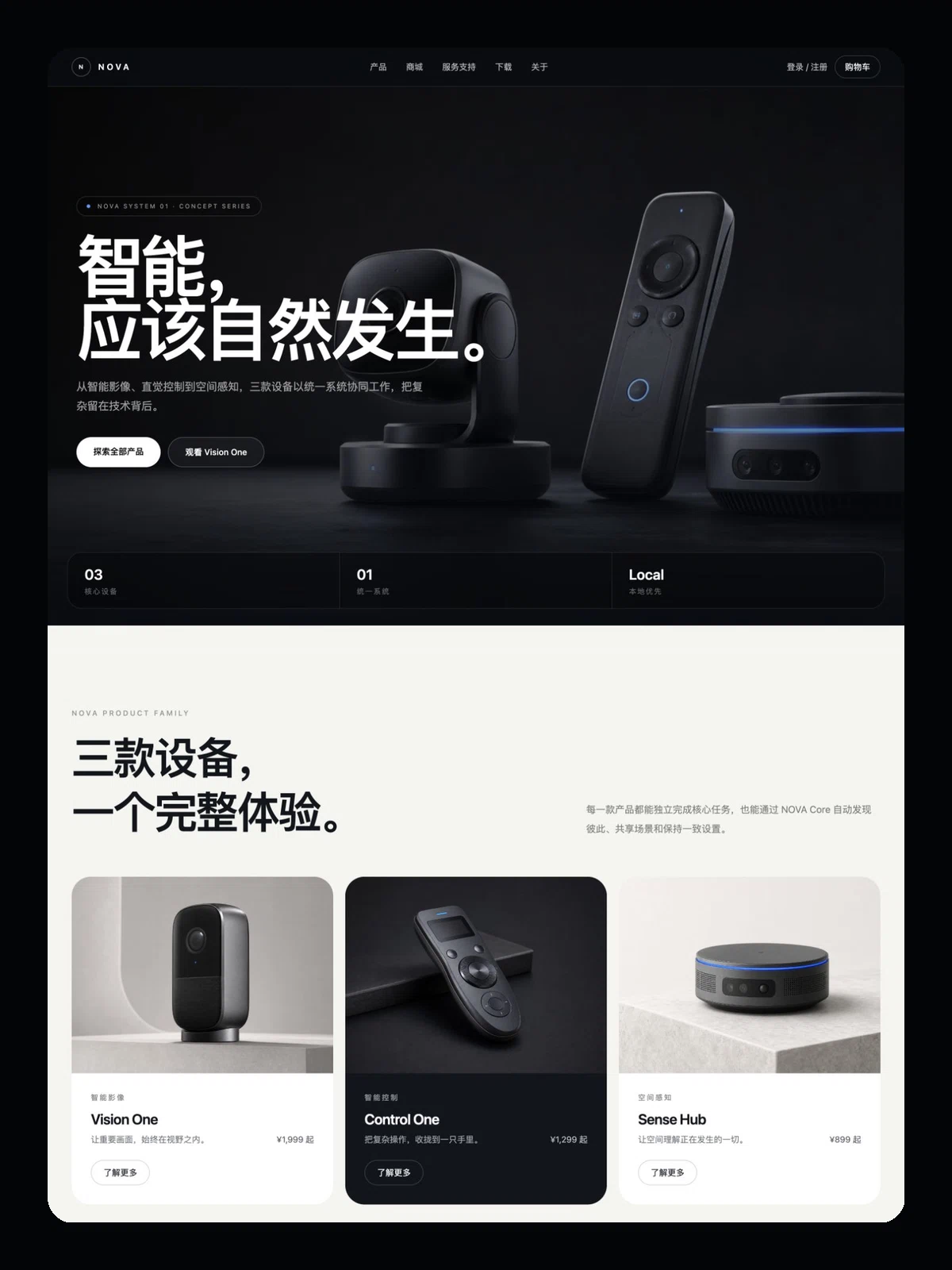
For consumer electronics and smart hardware brands. Multiple device lines, an online store, support and firmware downloads — the closest to a real brand site here.
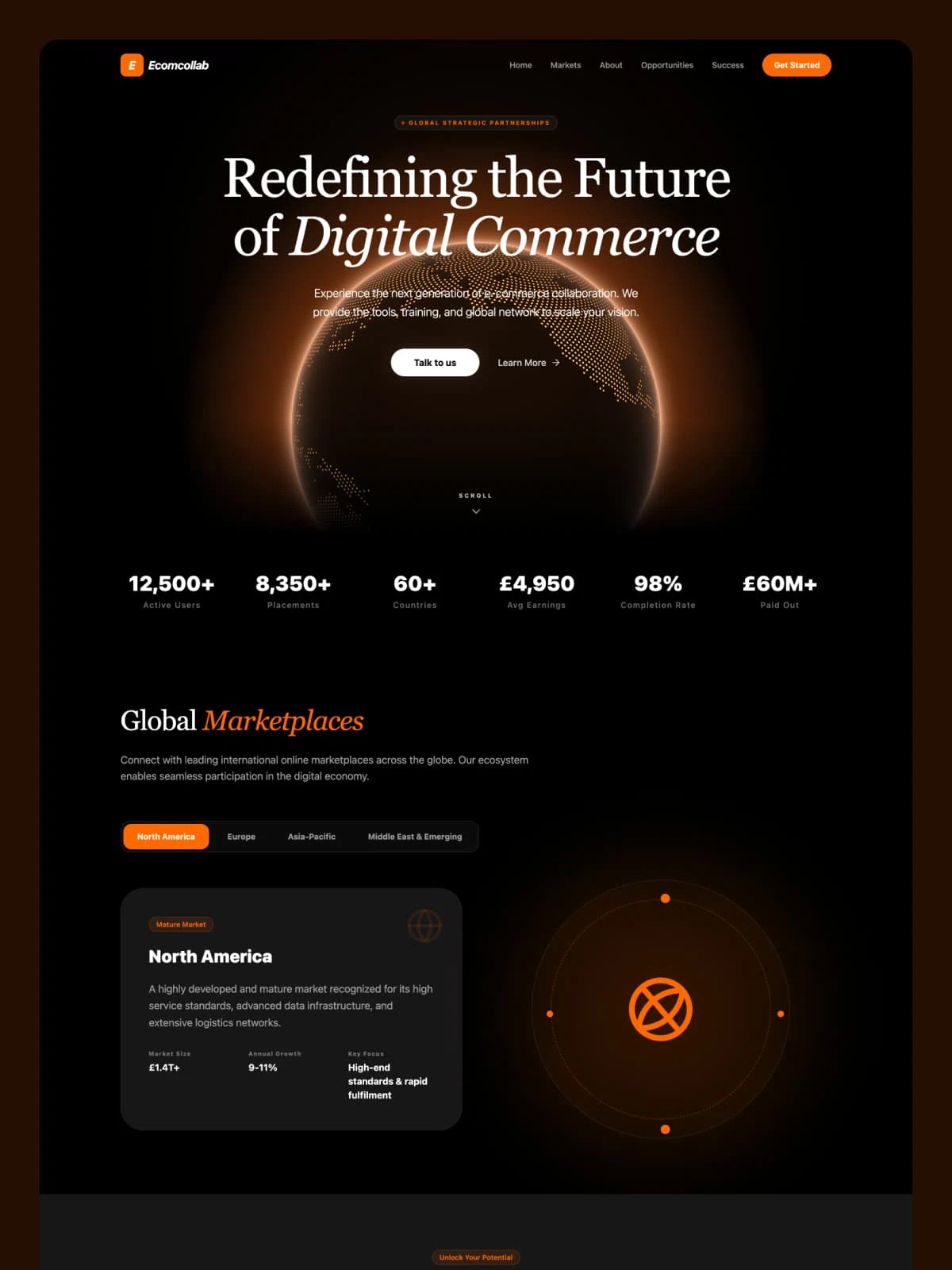
A partner recruitment page for digital commerce and SaaS. Single page centred on the partnership pitch and a signup entry, in English.
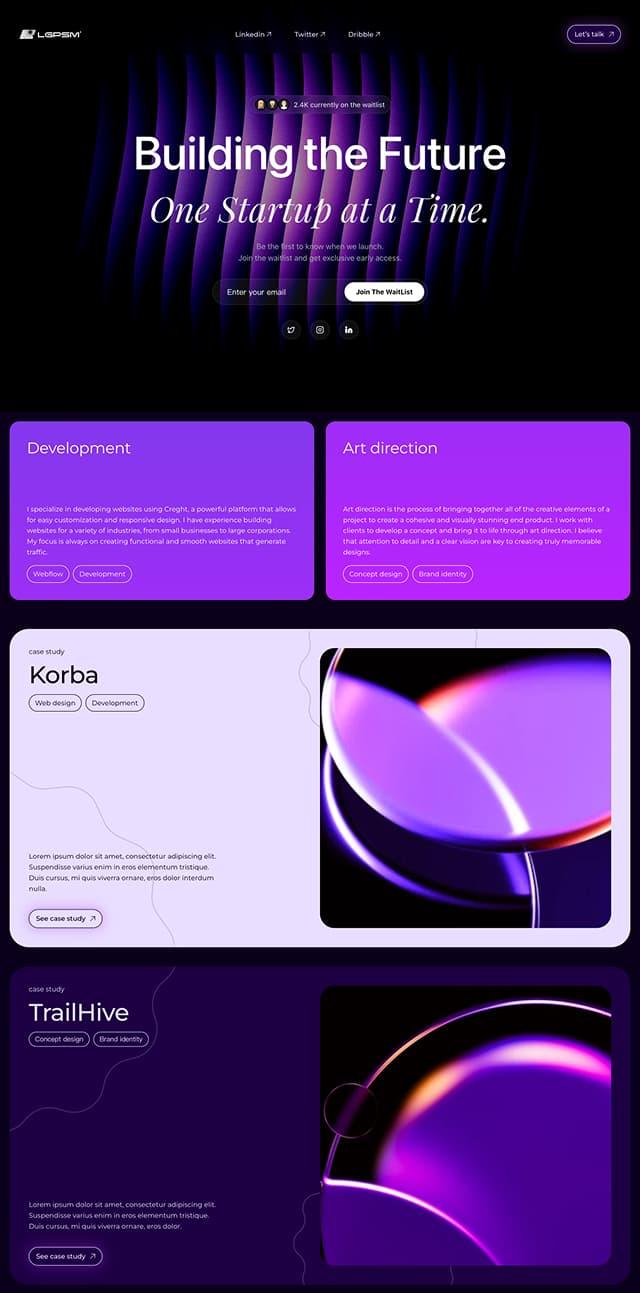
A purple-gradient waitlist page for startup studios. Beyond email capture it carries service sections and case studies — for building a list while showing work.
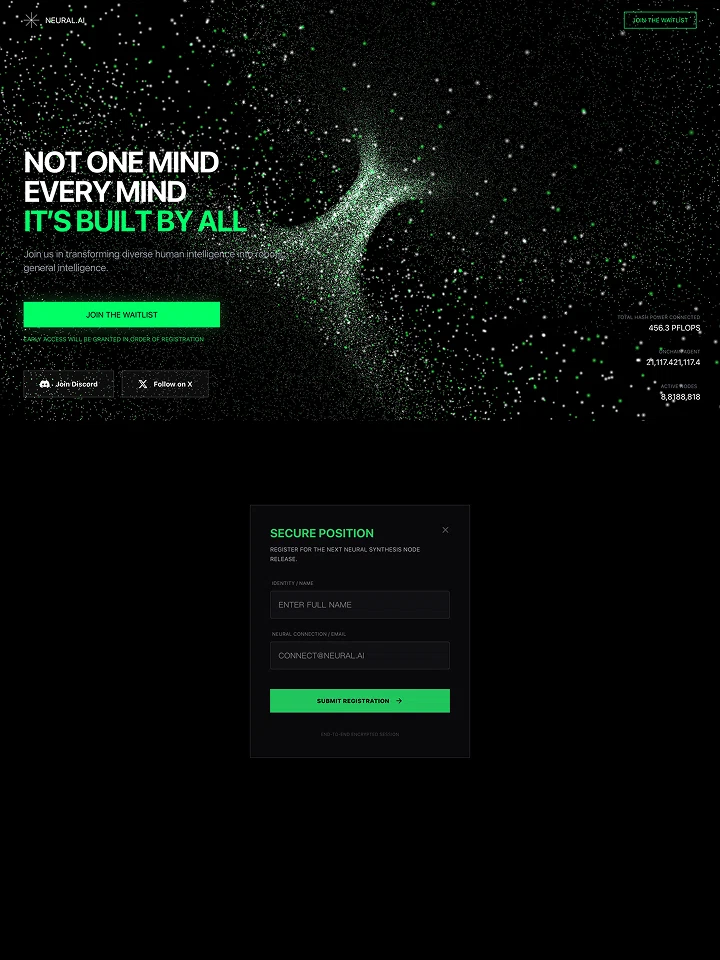
A dark, neon-green waitlist page for AI products. Particle hero, a registration modal and Discord/X community links — for tech products before launch.
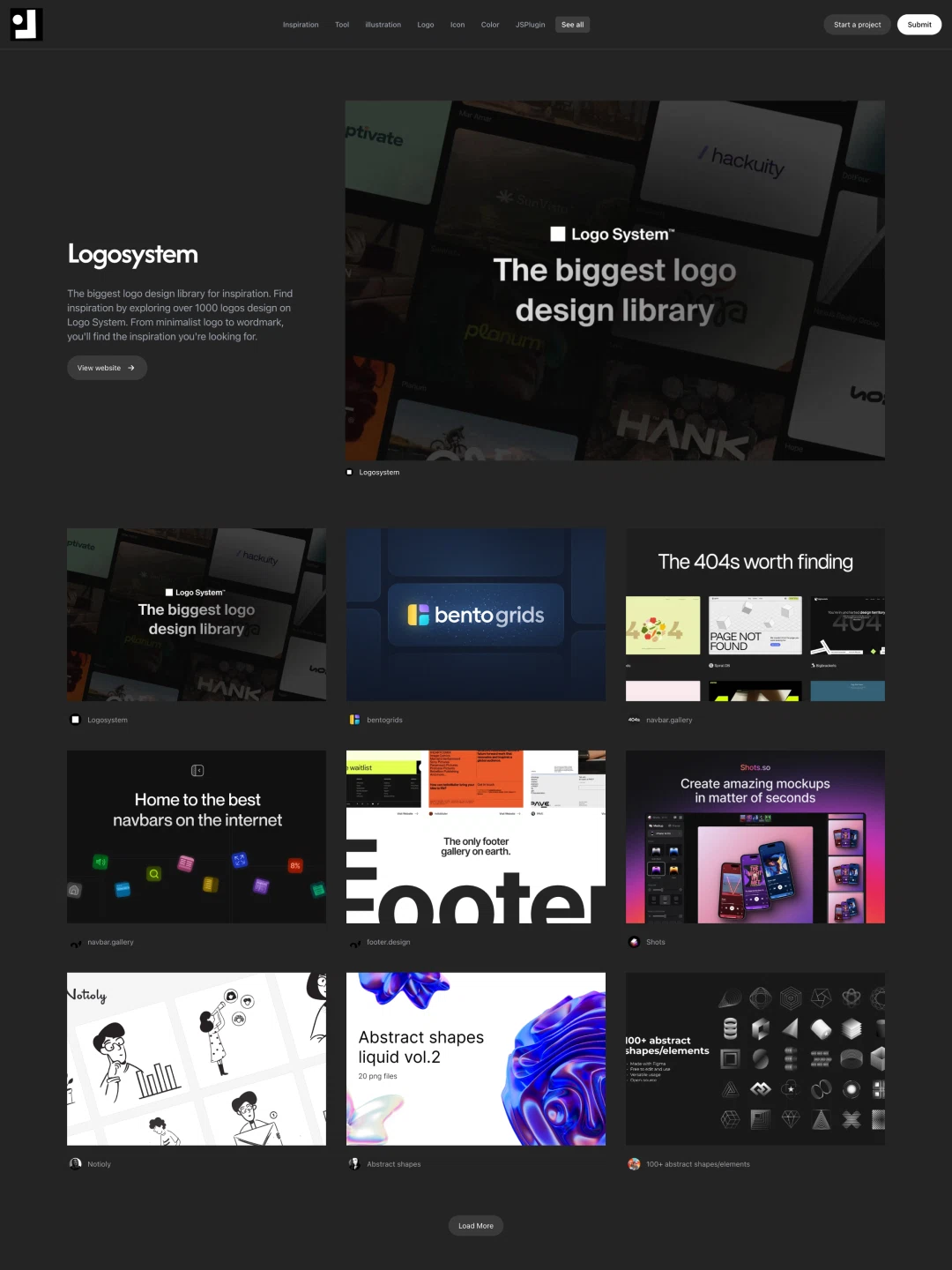
A resource directory and submission hub. Browse, categories and a submit entry — for tool collections, directories and lists.
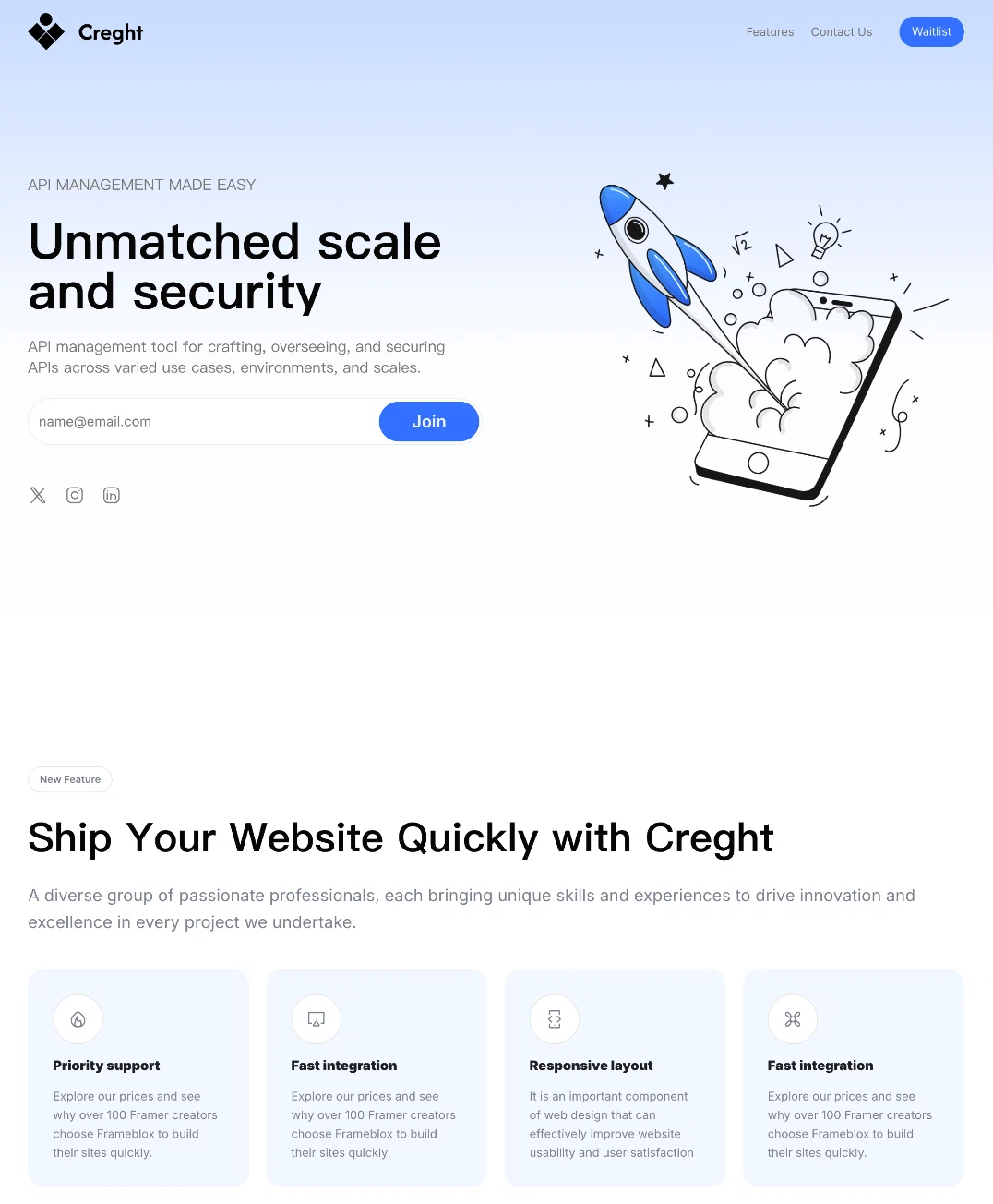
A general-purpose product landing page. Value proposition, contact entry and a thank-you page — for launching a product or campaign fast.
Why Creght
Create, refine, and give your product a website of its own.
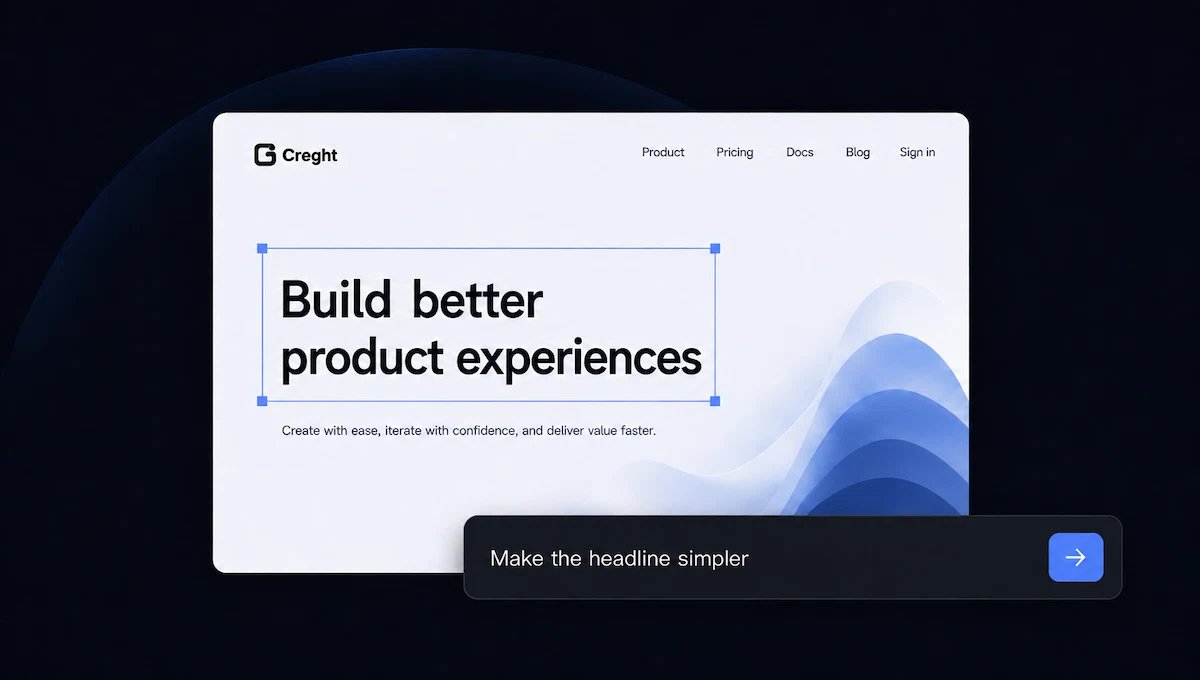
Describe your idea to get a first draft, then refine it with AI and direct editing.
Explore visual editing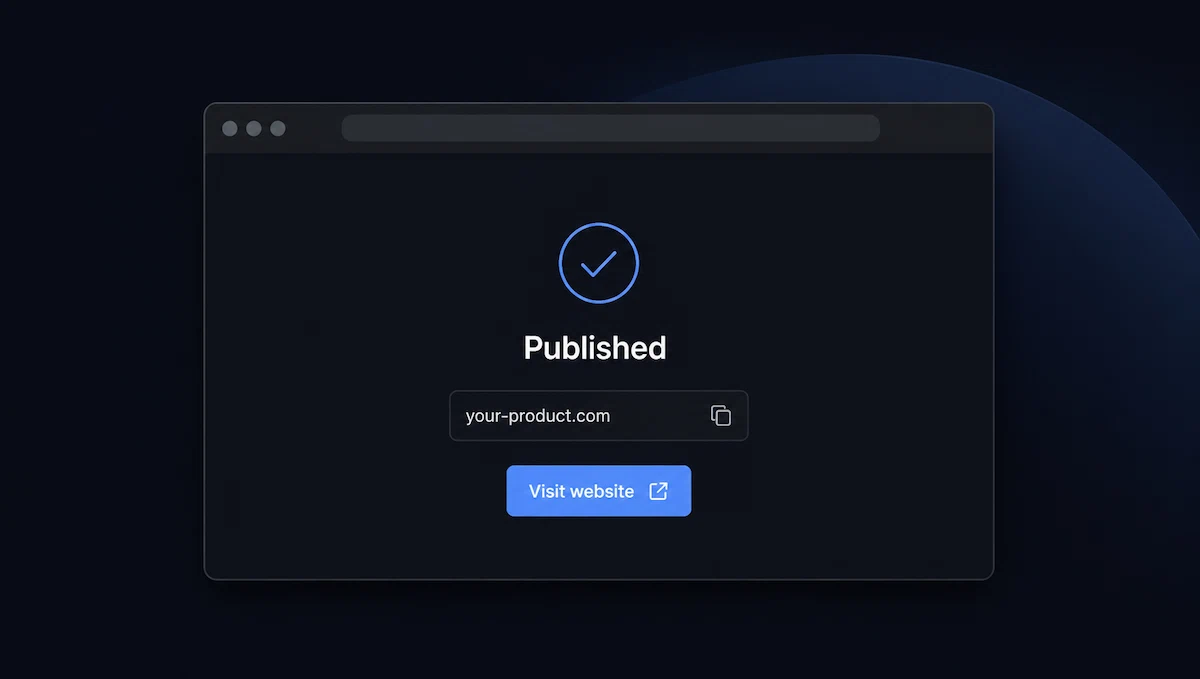
Publish without configuring a server, then connect your own domain.
See publishing and domains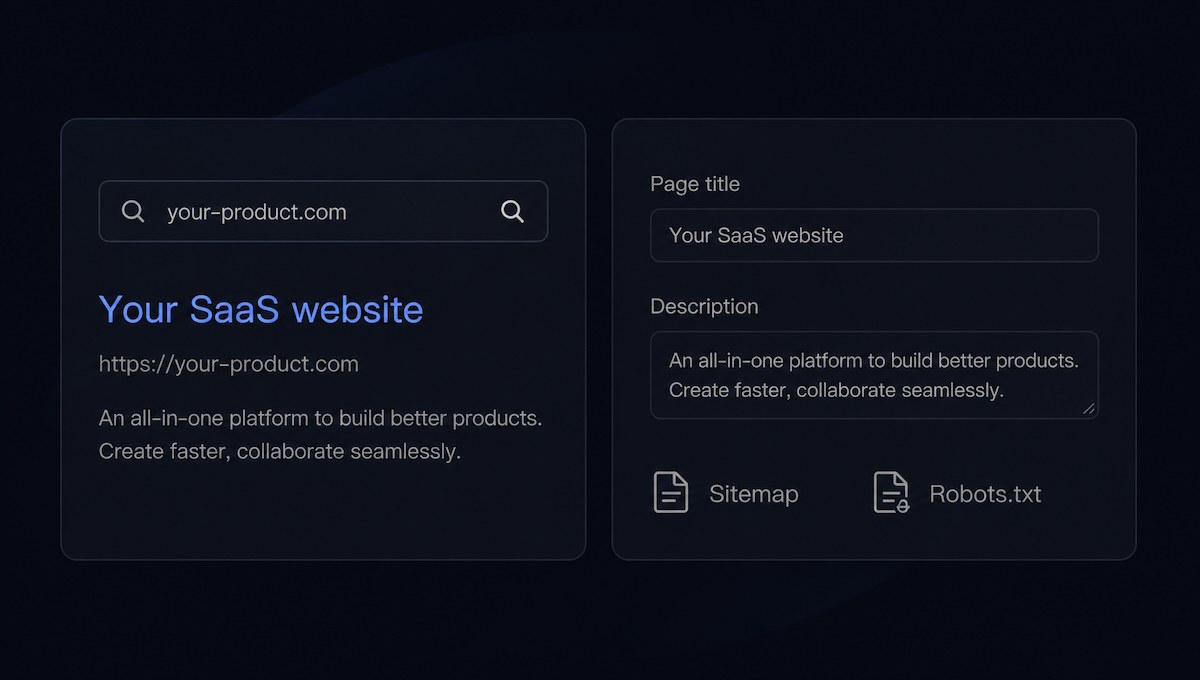
Set page titles and descriptions, with support for sitemap and robots settings.
Explore SEO and analytics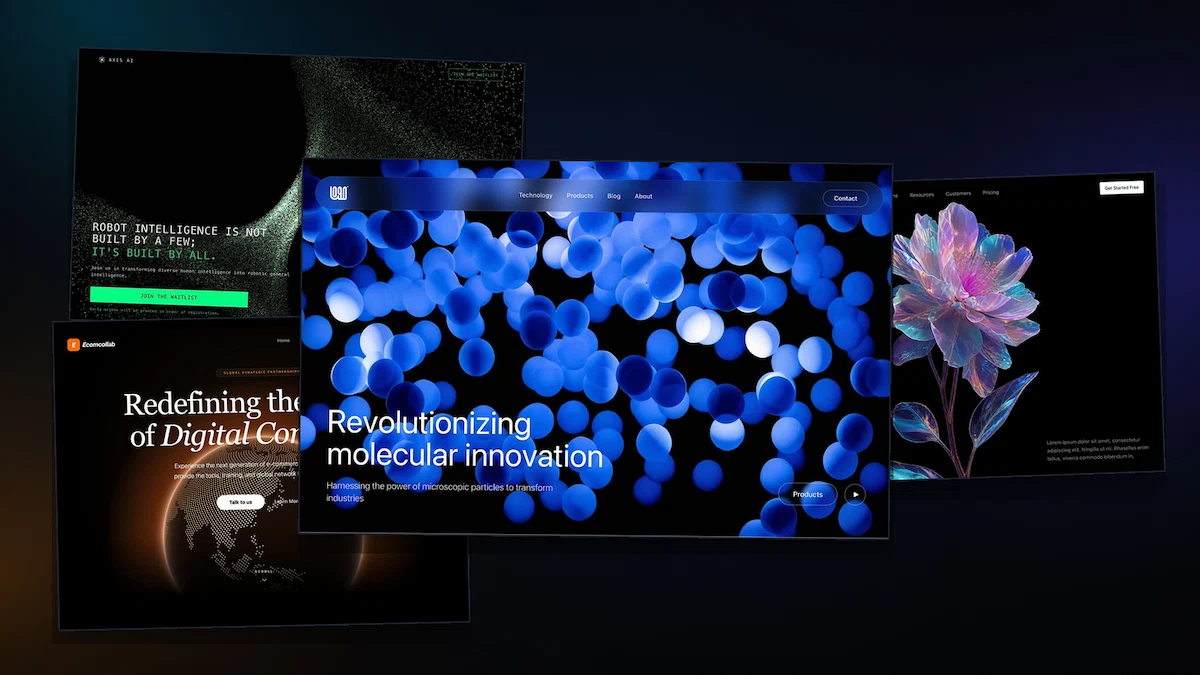
Find the right design in a collection of templates, sections, and effects.
Browse SaaS templatesHOW CREGHT WORKS
Brief, generate, refine, and publish — all in Creght.
STEP 01
Share the core features, target users, page list, visual direction, and reference material.
STEP 02
AI creates the initial structure for your home, features, pricing, contact, and other pages.
STEP 03
Edit text and images directly, or keep asking AI to change sections, layouts, and pages.
STEP 04
Check mobile layouts, links, forms, and SEO, then publish on your own domain.
Whether you are validating an idea, preparing a launch, or rebuilding an existing site, start from the outcome you need.
Explain the idea quickly and collect your first interested users.
Support the launch with complete pages, product visuals, and clear calls to action.
Explain complex capabilities, workflows, and technical product value.
Refresh positioning, page structure, and the mobile experience.
Use this starter prompt, then replace the product details with your own. The more specific the brief, the more useful the first version.
Start with a better brief
Replace sample details with your product facts before generating.
Replace sample details with your product facts before generating.
A SaaS website builder helps you create the public website for your software product: the pages that explain features, present pricing, and guide visitors to a demo or trial. Creght uses AI to create and edit these pages from your brief.
Yes. Describe your product, pages, and preferred style, then refine the generated website through AI requests and supported direct editing. Review content and test links and forms before publishing.
Yes. Creght supports multi-page website generation and continued editing. Refine existing pages or add pages as your product and content develop.
Yes. Creght supports custom domains, HTTPS, page titles and descriptions, sitemap, and robots settings. Check your current plan requirements and complete the relevant setup before launch.
You can configure a website form or link buttons to your existing application or booking page. Test each destination and submission flow before publishing.
This page focuses on your product’s public website. Creght also supports website backend workflows and authentication. Product-specific logic, subscription billing, and third-party integrations need their own requirements, configuration, and testing.
Generation and AI editing use credits, while publishing features and allowances depend on your plan. Supported direct text and image edits do not use AI credits. See the current pricing and in-product allowances for the options available to you.
Use the relevant guide when you are ready to move from page planning to setup and launch.
Start with your product brief, create your first version, and keep shaping it as your product grows.
Render diagnostics