
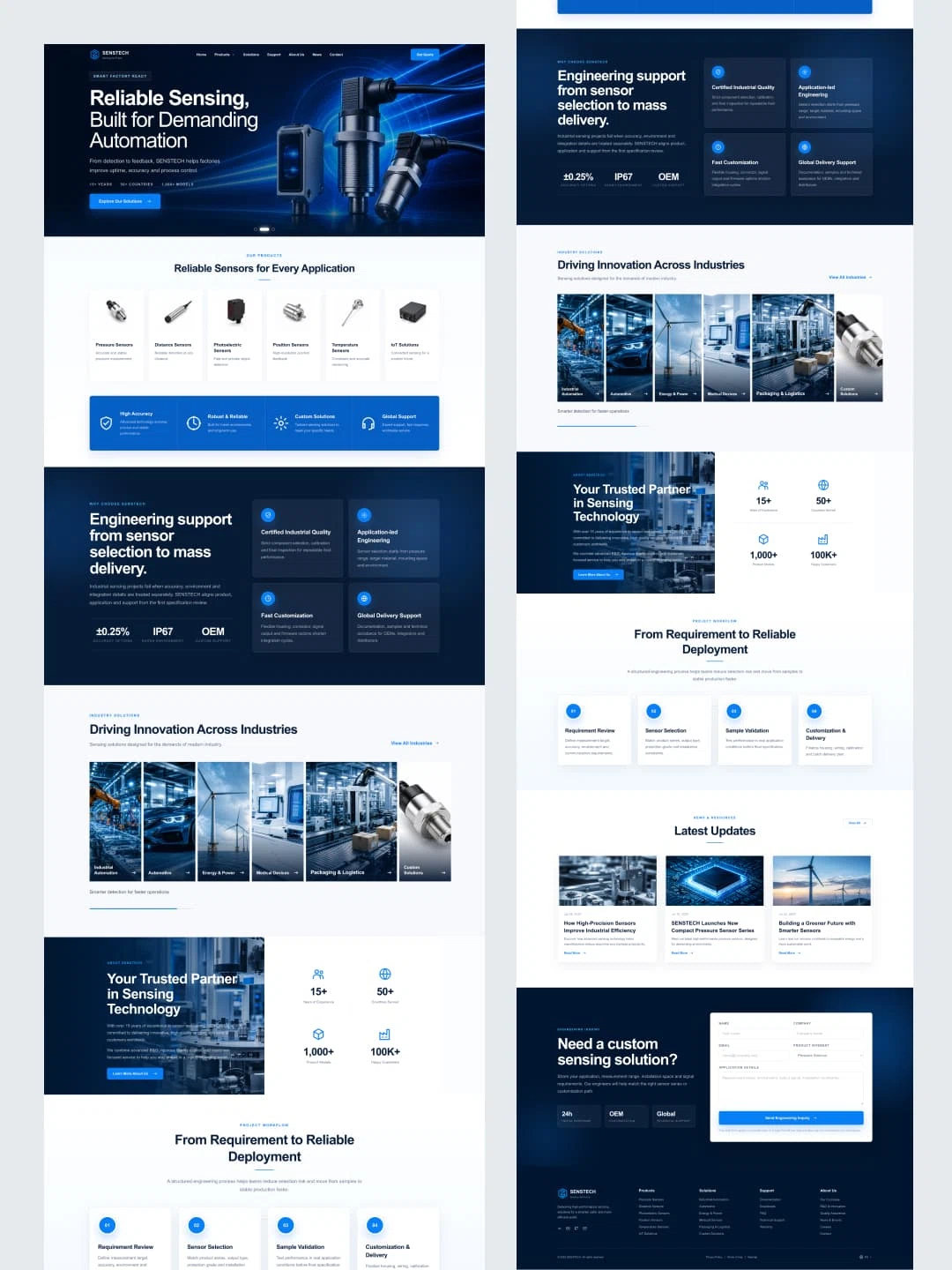
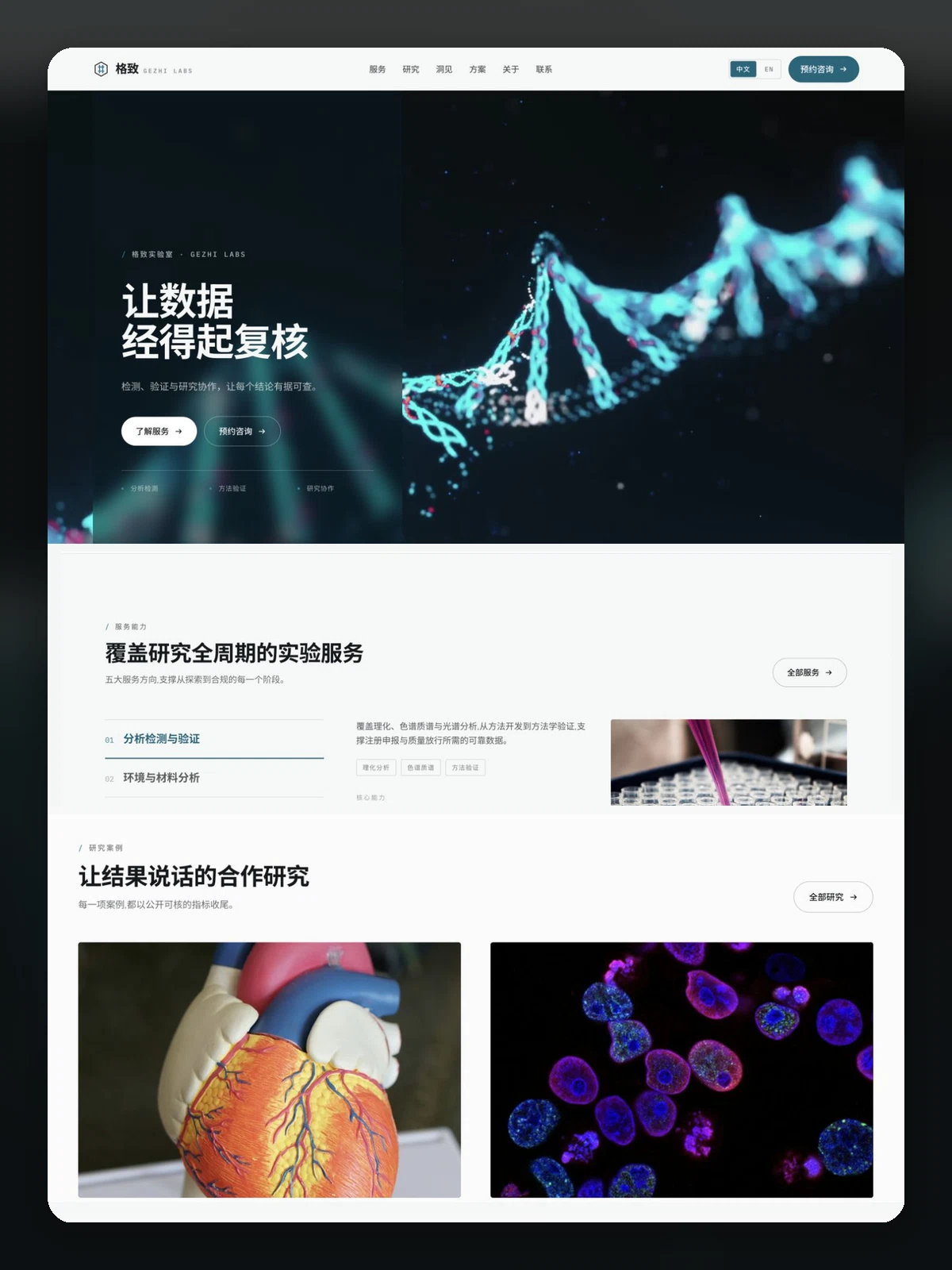
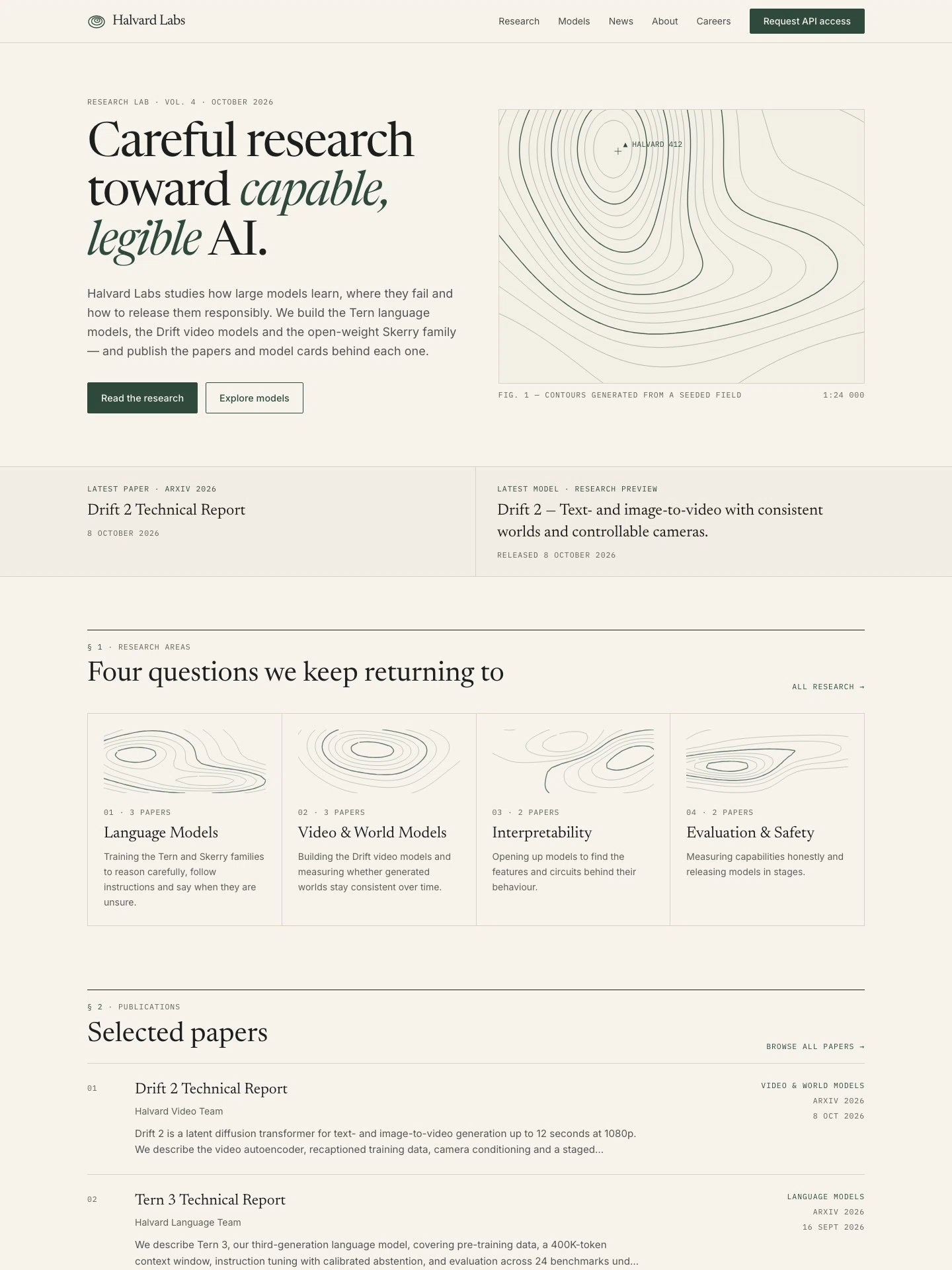
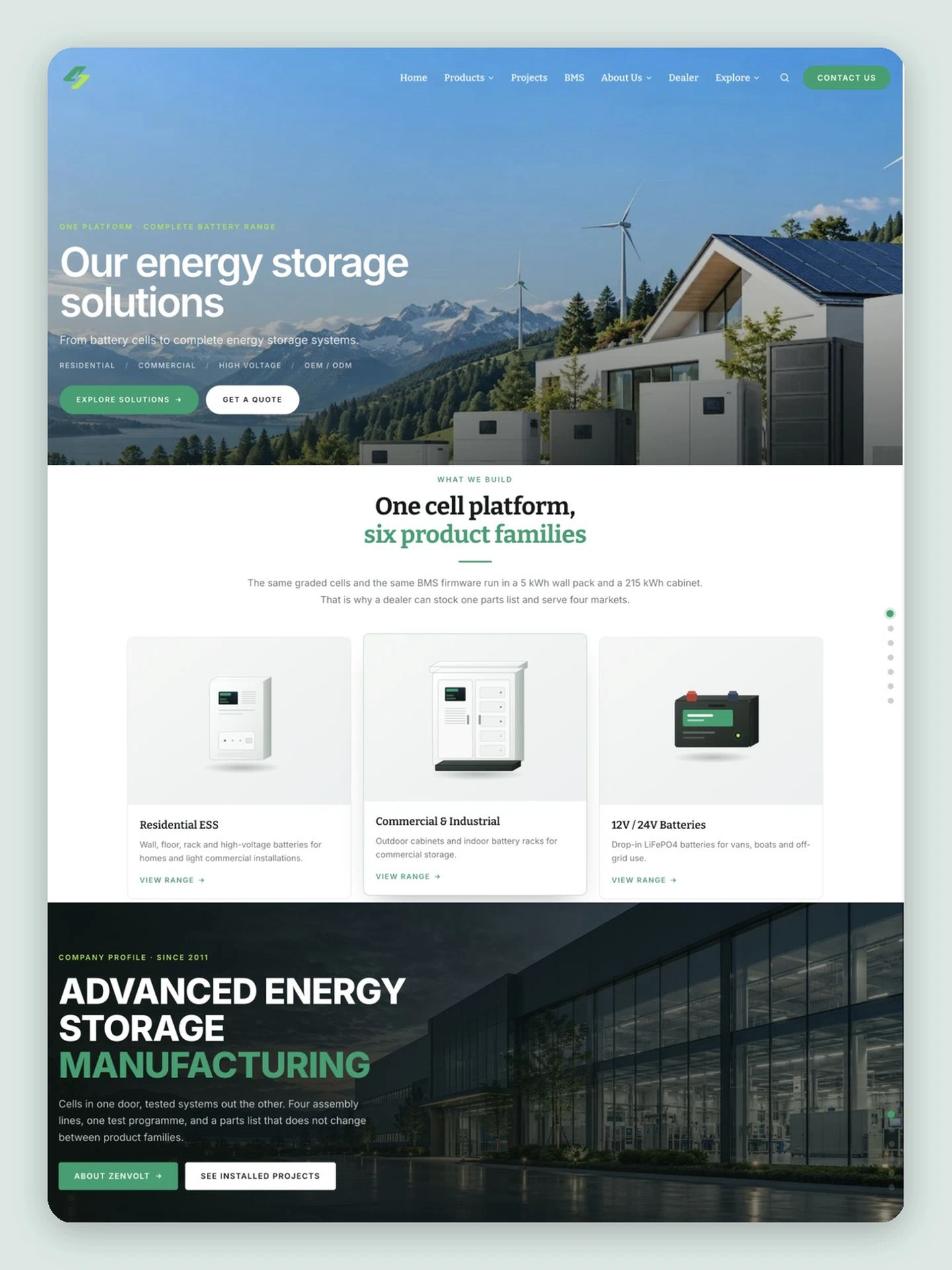
Hi, we're Creght.
Tell us what you need and what you have in mind, and create a visually striking website with ease.
No skills, experience, hiring, or outsourcing required.
Start with the kind of site you want to build.
CREGHT AI WEBSITE BUILDER
Build your businesswebsite with AI
Go from an idea to a real website that is live online.
No code, design experience, or outsourcing required.
CURATED TEMPLATE LIBRARY
Professional design, without starting from scratch
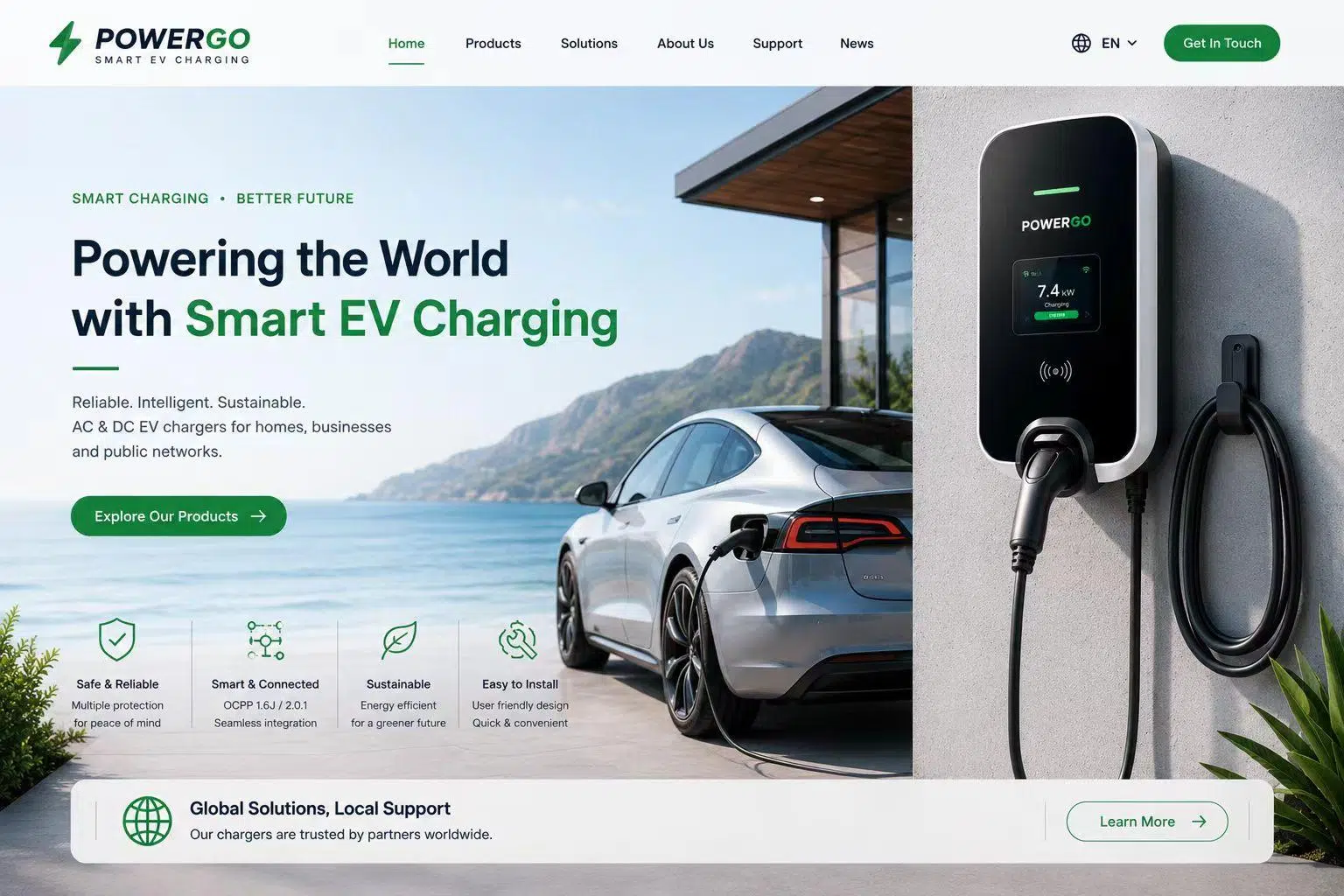
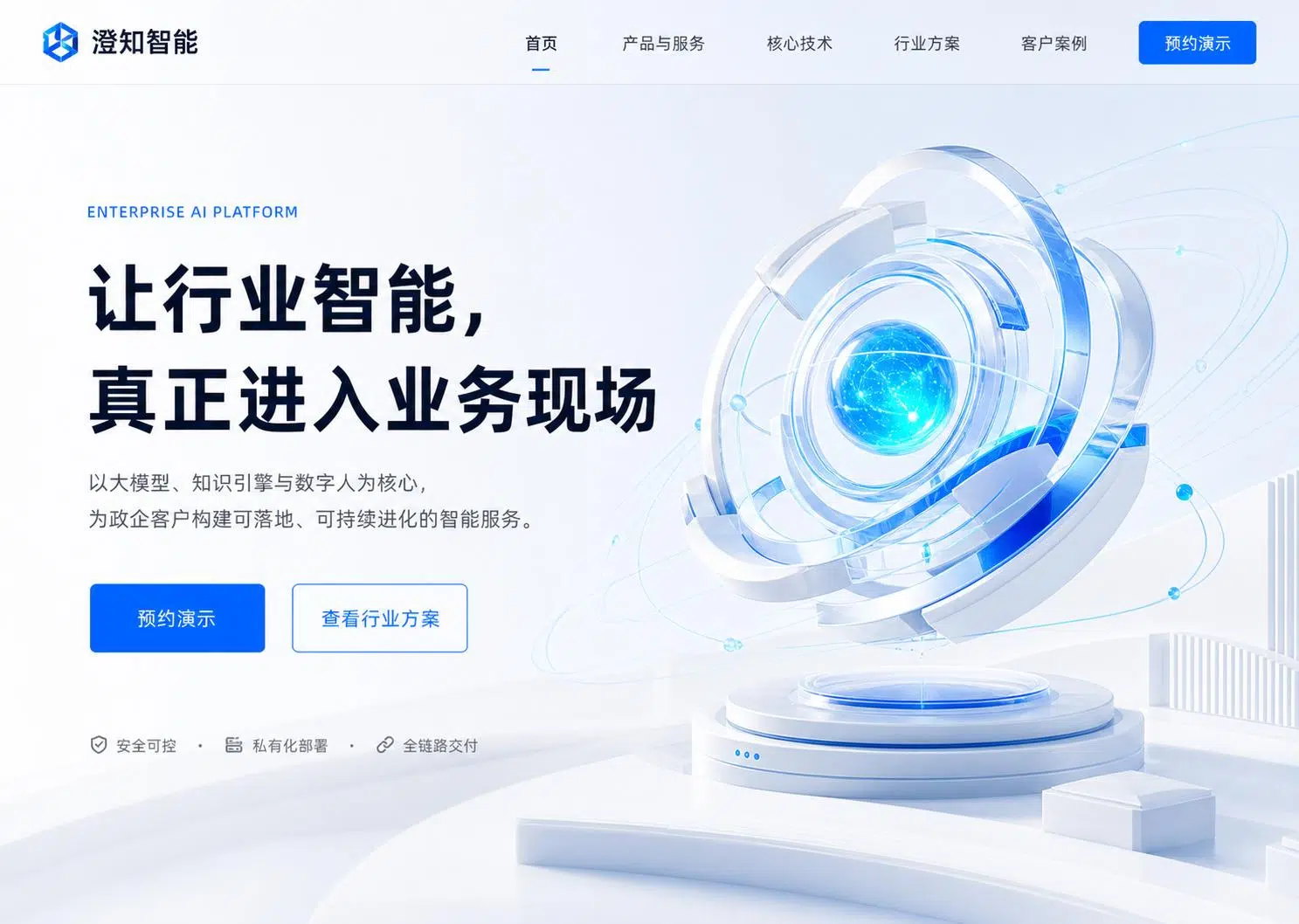
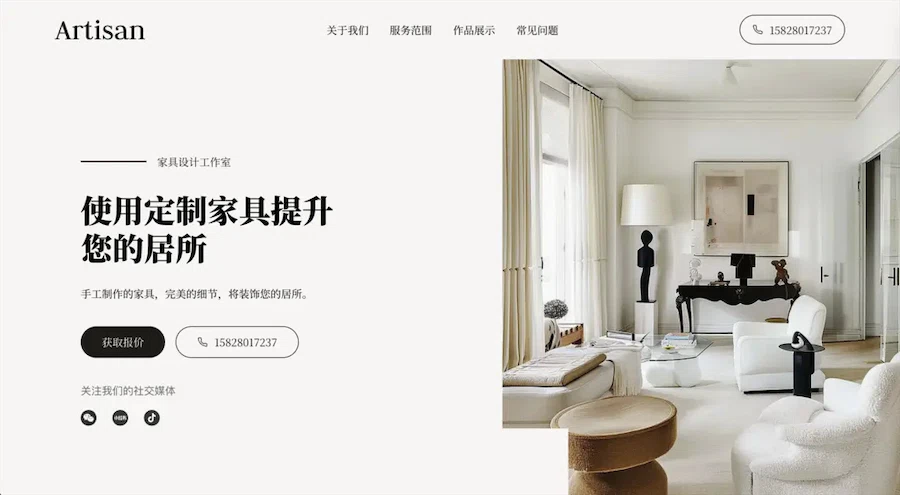
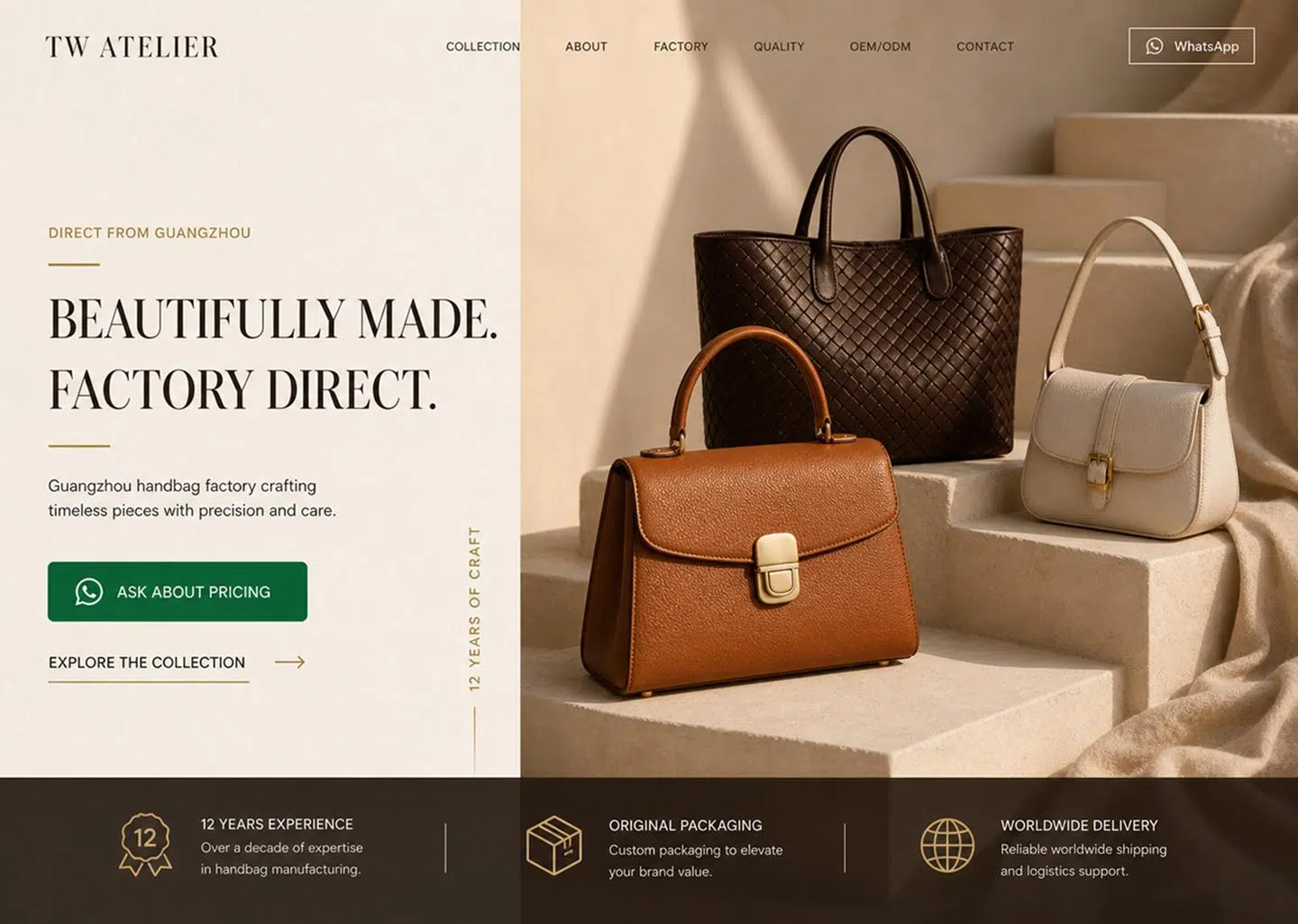
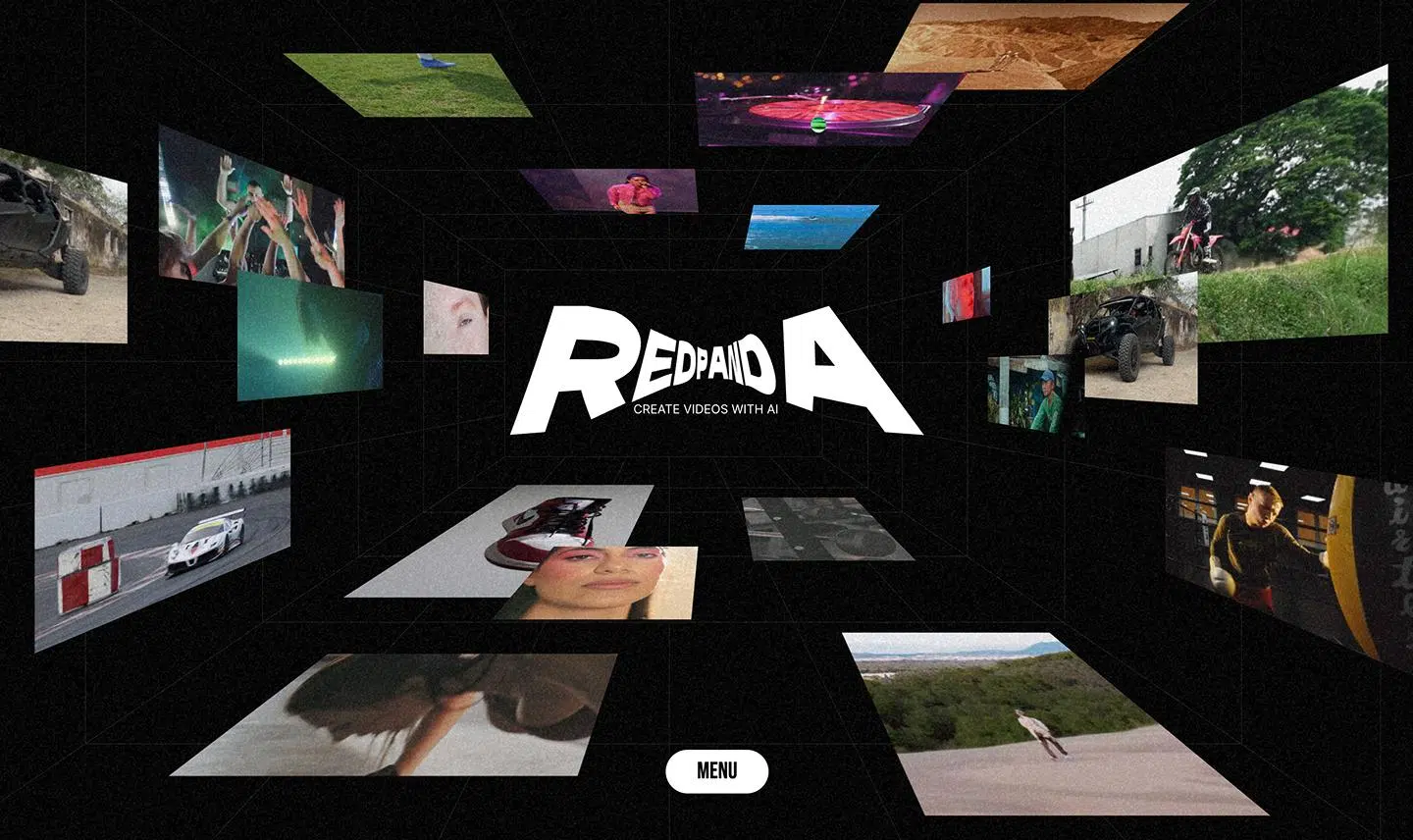
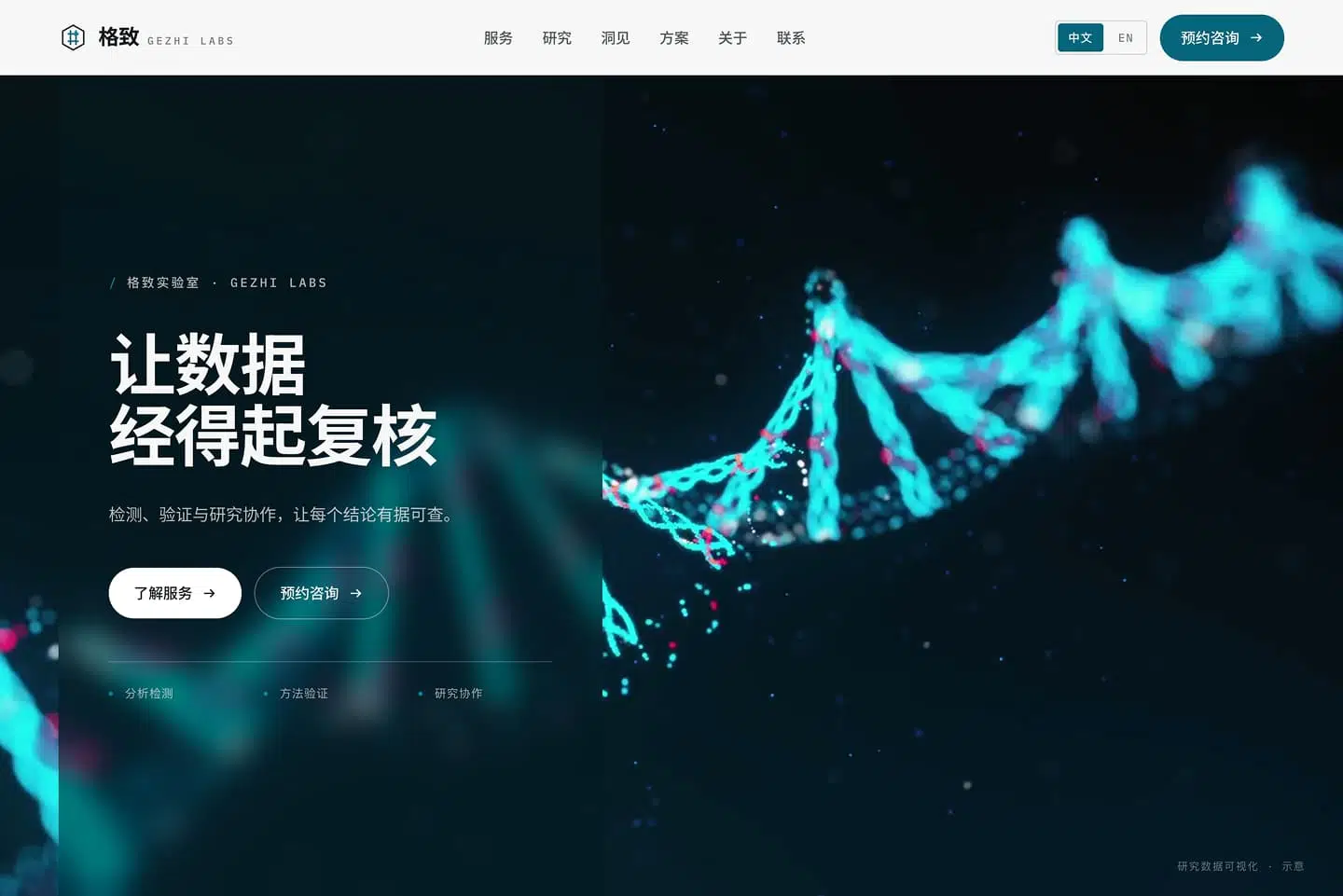
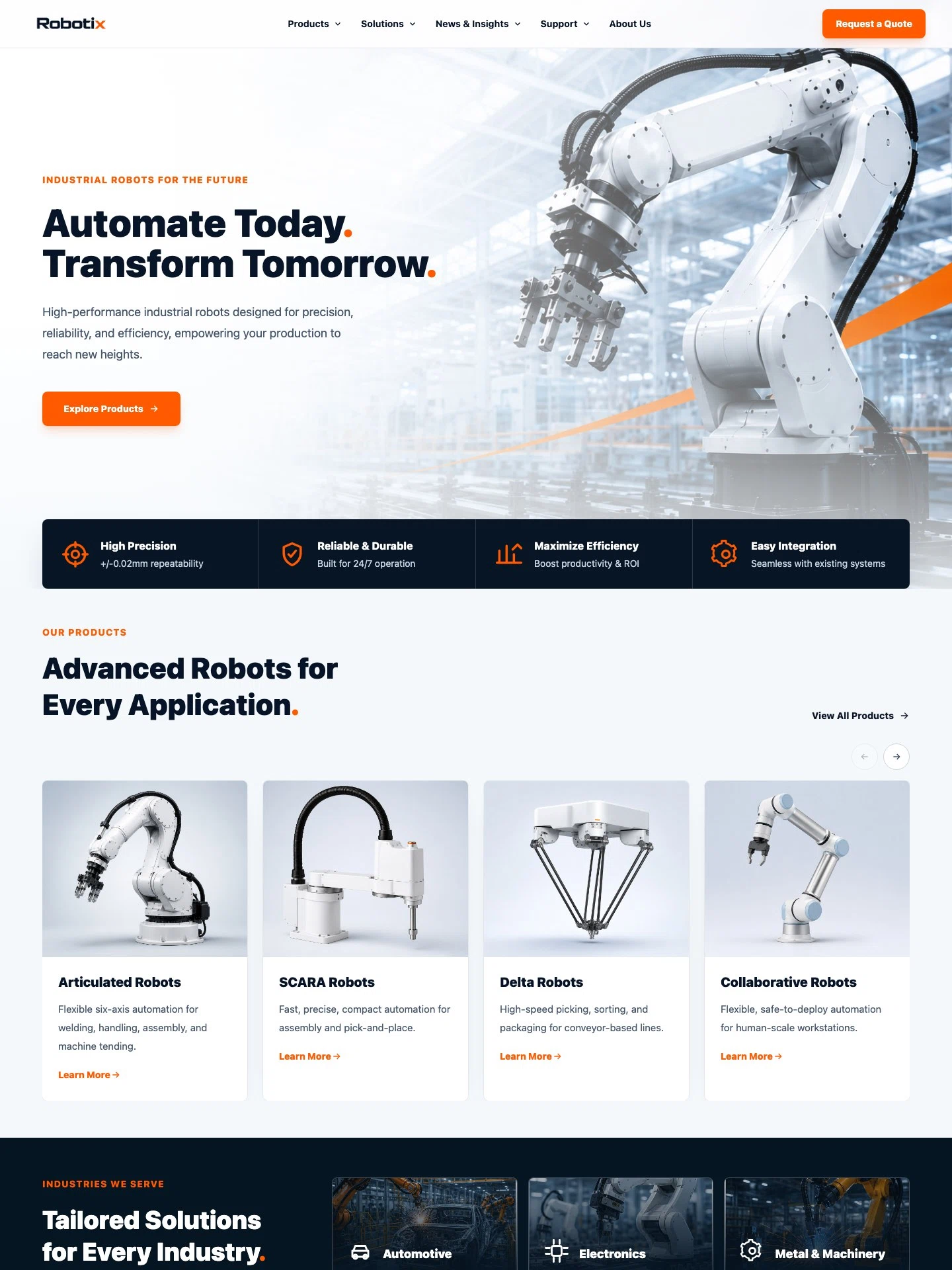
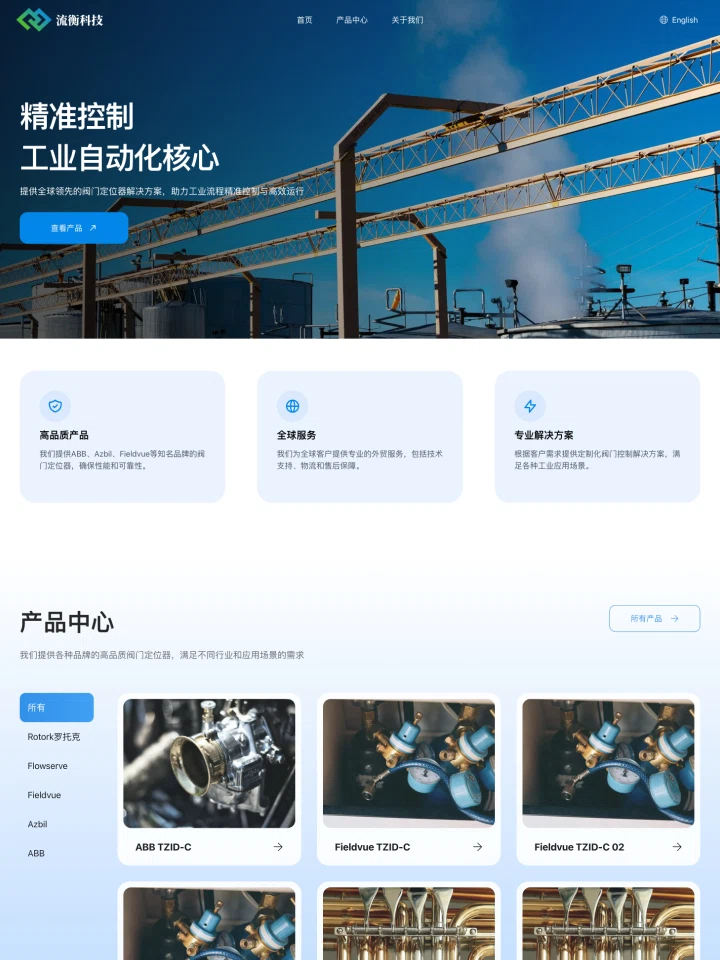
Company Website:Turn your expertise into customer trust
Company Website
Turn your expertise into customer trust
For technology companies, manufacturers, consultancies, and professional services. Present your company, products, services, customer stories, and contact details clearly.
Browse company templatesFROM IDEA TO LAUNCH
Creght AI guides every step, so you always know what comes next
How Creght works
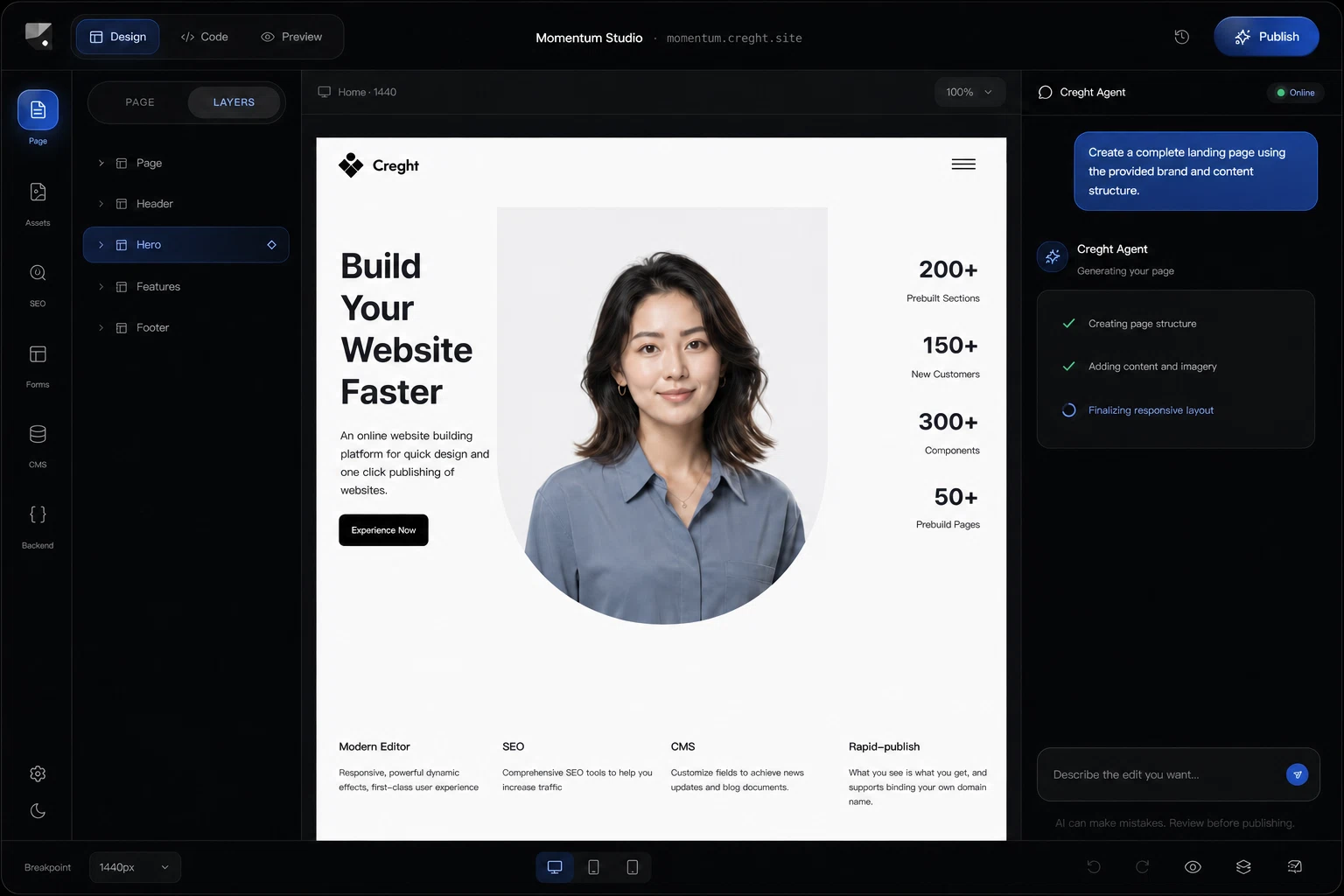
Describe your idea and get a complete responsive first draft in seconds.
How Creght works
Describe your idea and get a complete responsive first draft in seconds.


CUSTOMER REVIEWS
“The tool never forced me into a new way of working. Once the design was ready, I could carry the same idea straight through to a live site.”
Olivia Carter
Independent Designer
FAQ
Whatever you need, we're here to help
Visit the Help CenterYes. Describe your business, content, and preferred style, and Creght will handle the page plan, copy, and visual design.
Yes. You can directly edit text, images, layouts, and page structure, or keep asking AI to make changes through conversation.
Creght works for company websites, product landing pages, portfolios, SaaS sites, international business websites, campaign pages, blogs, and more.
Yes. When you finish editing, connect your own domain and publish the site for real visitors.
Both work. Start with AI when your requirements are clear, or choose a template first when you want to establish a visual direction quickly.
Yes. Beyond pages, Creght AI can also help generate business features such as forms, user login, data management, and payments.
Turn your business into a website that is live online
Start with one sentence and generate your first website draft for free.