
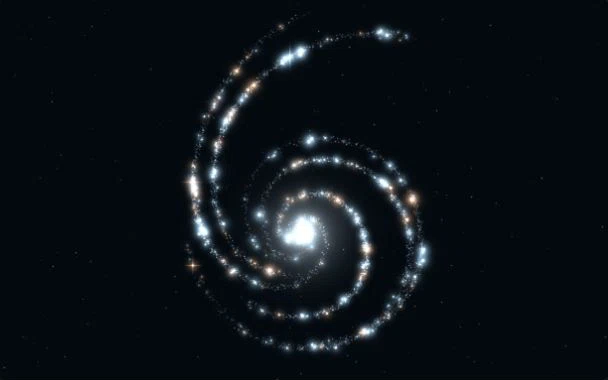
 Preview effect
Stellar Spiral
EffectBlue and amber starlight follows spiral arms, adding depth to AI and technology websites.
Particle effects · Interactive backgrounds · Heroes
Find an effect you love. Make it your website.
Copy the prompt. Keep making it yours.
Stellar SpiralReduced motion is on
THE COLLECTION
Preview effectBlue and amber starlight follows spiral arms, adding depth to AI and technology websites.
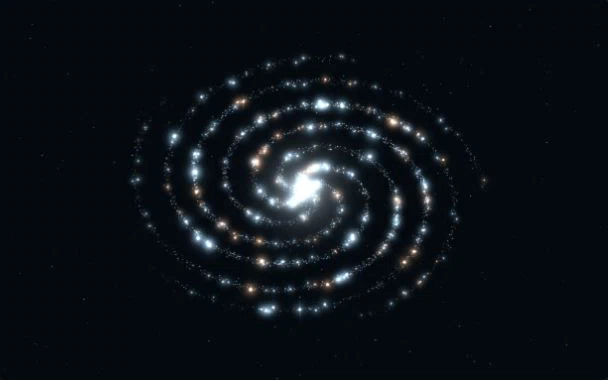 Preview effect
A tilted galaxy disk with flowing starlight, made for immersive product launches.
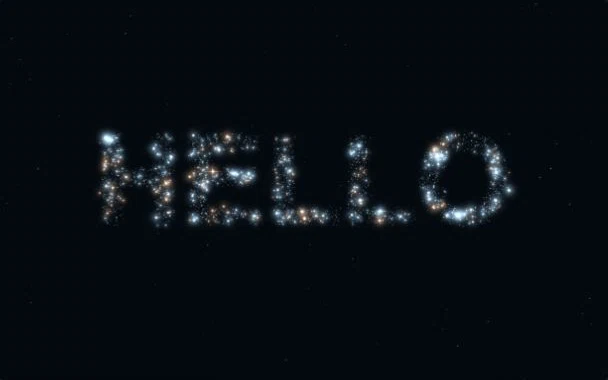 Preview effect
Turn a brand name or short statement into glowing particles for launches and creative portfolios.
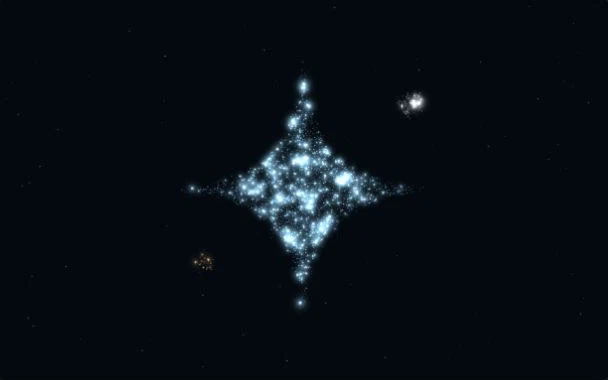 Preview effect
Sample an icon or silhouette into particles for an expressive brand reveal.
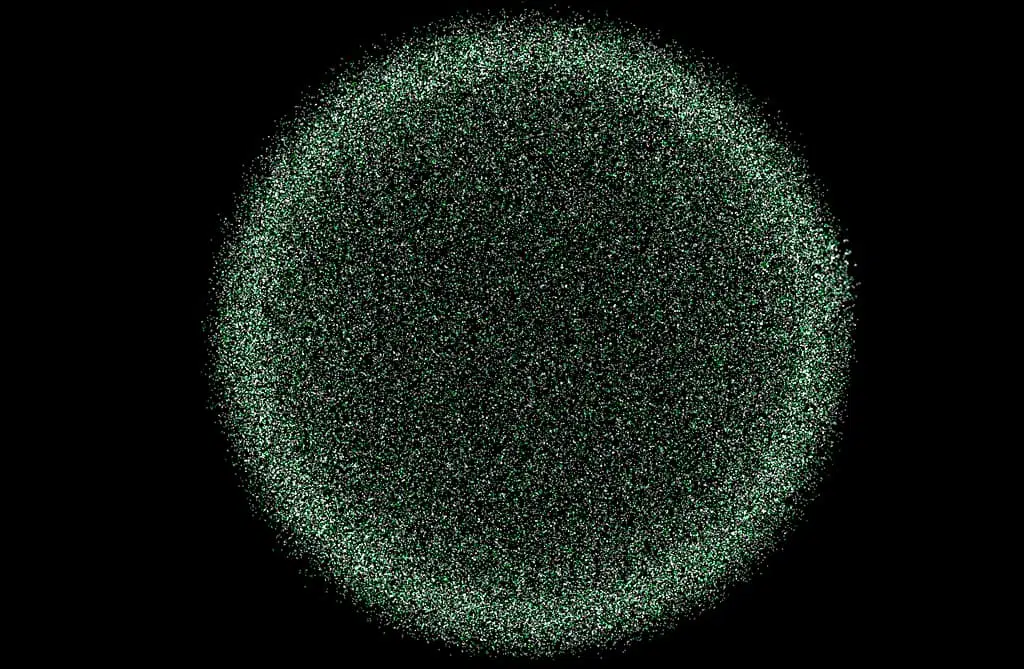 Preview effect
An interactive particle canvas for heroes or backgrounds, with a Creght Blocks selection reference.
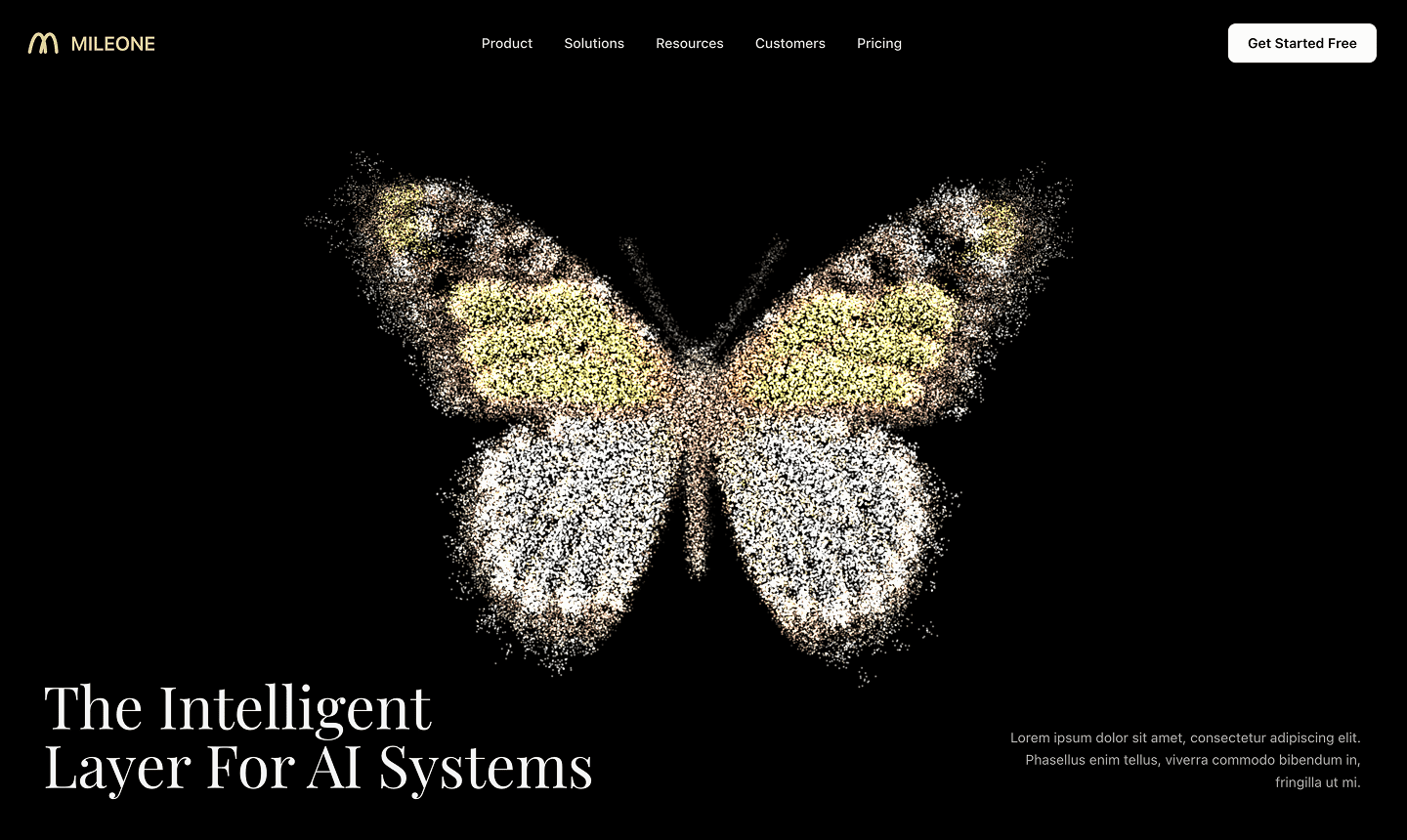 Preview effect
A butterfly-particle hero composition for technology brands and visual storytelling.
FROM EFFECT TO WEBSITE
Set the first impression, then add your product story, proof and a clear next step.
Open a cover to try the real effect. Galaxies suit technology products, particle text suits launches, and a hero block provides a complete opening section.
Copy the resource prompt and add your brand, colors, copy and goal. Native effects and external blocks clearly explain their different reuse options.
Paste into Creght AI, then add navigation, features, proof and a call to action. Check the mobile experience, publish and connect your domain.
GOOD TO KNOW
Keep your content readable and your actions usable. Then choose the right particle density, speed and placement.
Browse full website templatesThis first collection contains standalone effects and one hero block, not six full website templates. Use them in a particle landing page, product site or portfolio. Full templates will be labeled separately.
Live particles need graphics processing. This collection loads static covers first and creates only the selected preview after a click. Mobile devices use fewer particles, and hidden or closed previews pause or unmount. Test performance on your finished website separately.
The four native previews support color, speed, size and glow. Text particles also support custom text. External blocks keep their original demos and controls. The default image silhouette is managed in the CMS.
Native-effect prompts describe the composition, parameters and implementation requirements; they are not source-code imports. AI results may vary. Existing Blocks resources include their actual selection references. Keep refining and verify the final result before publishing.
Bring your product, brand and idea. Build a website you can keep editing and publish with Creght AI.
Build a websiteRender diagnostics