
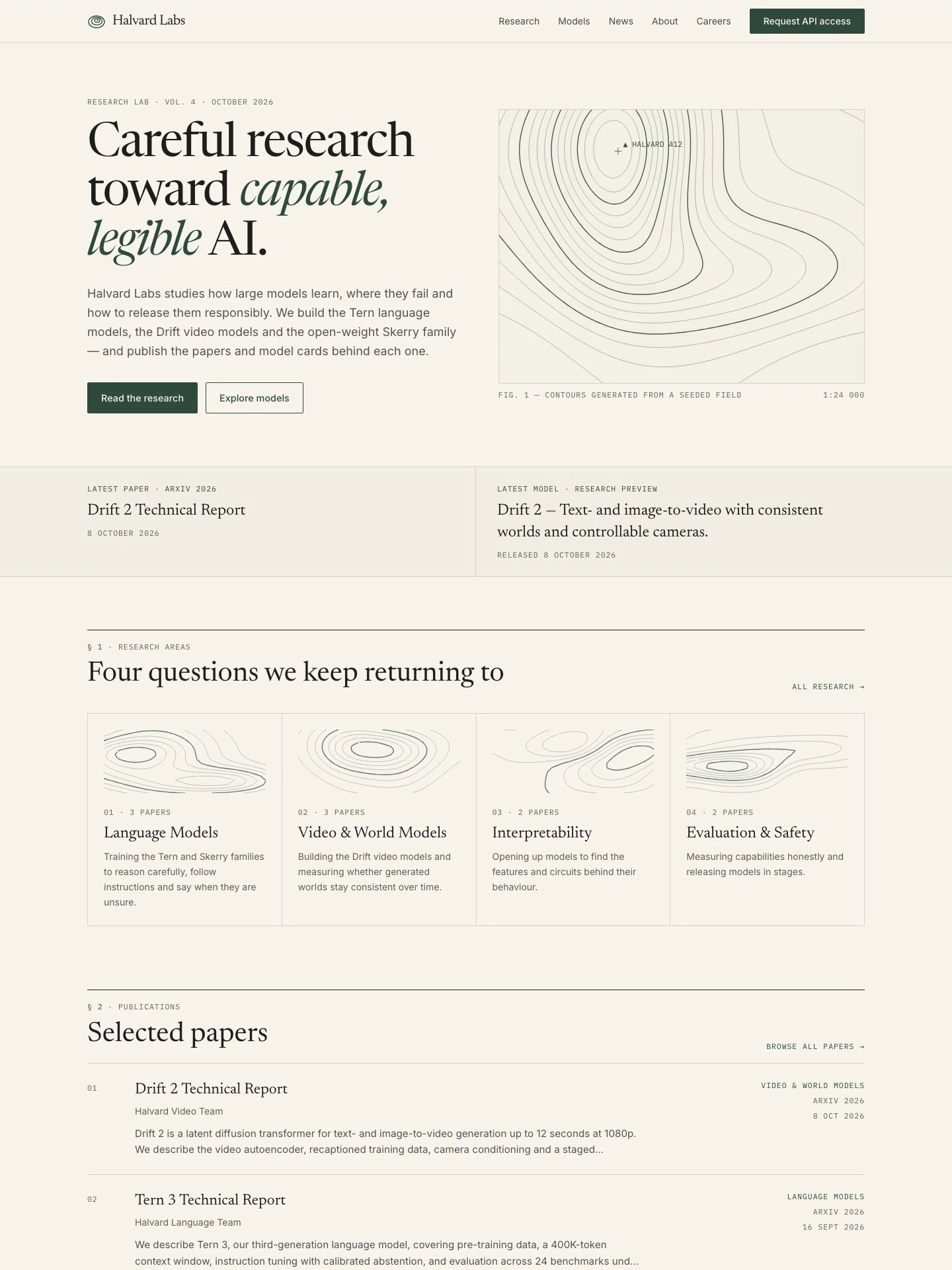
AI Research Lab Website
For AI labs building language and video models. A paper library with research-area pages, model cards with benchmark tables, explainers, careers and API access requests — all in English.
The demo is a real published Creght site. Content is placeholder.
Included pages (7)
All built and responsive. Add, remove or rename them after generating.
- Home
- A journal-style opening with a code-generated contour map, leading into areas, papers, models and a demo clip
- Research
- Paper library with a path page per research area; venue and year as secondary filters
- Models
- Model cards grouped by family, with benchmark tables, limitations and demo video
- News
- Release posts and long-form explainers, managed in the CMS
- About
- Mission, research principles, team and timeline
- Careers
- Roles expand in place; applications go through the contact form
- Contact
- API access, collaboration / press / careers, and newsletter forms
Sections on the home page
Rewrite any section with AI, or edit text and images on the canvas.
- Careful research toward capable, legible AI
- Latest paper and latest model
- Four questions we keep returning to
- Selected papers
- Three model families, each with a card
- One prompt, one seed, no retouching
- How a model leaves the lab
- From the journal
- Open roles and research digest
Live preview
The real published site, embedded below. Scroll and click around inside it.
Is this template right for you?
A good fit for
- AI labs and startups building foundation, video or open-weight models
- Research institutes and university labs that build credibility through papers organised by research area
- Teams collecting API requests, collaborations and subscribers rather than selling plans
Probably not for
- AIGC products that need pricing plans, credits and online payment — use aigc-creative-platform
- Early AI products that only need a one-page waitlist — use ai-product-waitlist
- Organisations needing a Chinese-language site or job detail pages with an applicant system — this template is English-only and applications go through the contact form
Common questions
Can I still edit the site after generating it from a template?
Yes. You can keep talking to the AI, or click any element on the canvas and edit text, images and styles directly. Both act on the same site and write back to real code.
Do I need to write code?
No. Generating, editing and publishing all happen in the browser — no local dev environment, no build step. If you do write code, exporting the code is supported.
Can I connect my own domain?
Custom domains with automatic SSL are included in the Pro and Max plans. The free plan does not include a custom domain or SSL, but you can still generate, edit and publish on the system-provided address.
Can I switch to a different template later?
Templates cannot be switched after the fact — you would need to create a new site. So open the live demo first and see the real thing before choosing. If you have already purchased a plan, contact support for help.
How far can I get on the free plan?
New projects start on the free plan, which covers most capabilities — cloud functions, data tables, user accounts and payments — enough to run the whole flow end to end. Each has a usage cap, and custom domains, SSL, badge removal and code export are not included.
How long does generation take?
Usually one to five minutes; complex sites take longer. What you get is a complete site that works on desktop and mobile — not a mockup.
More in this category
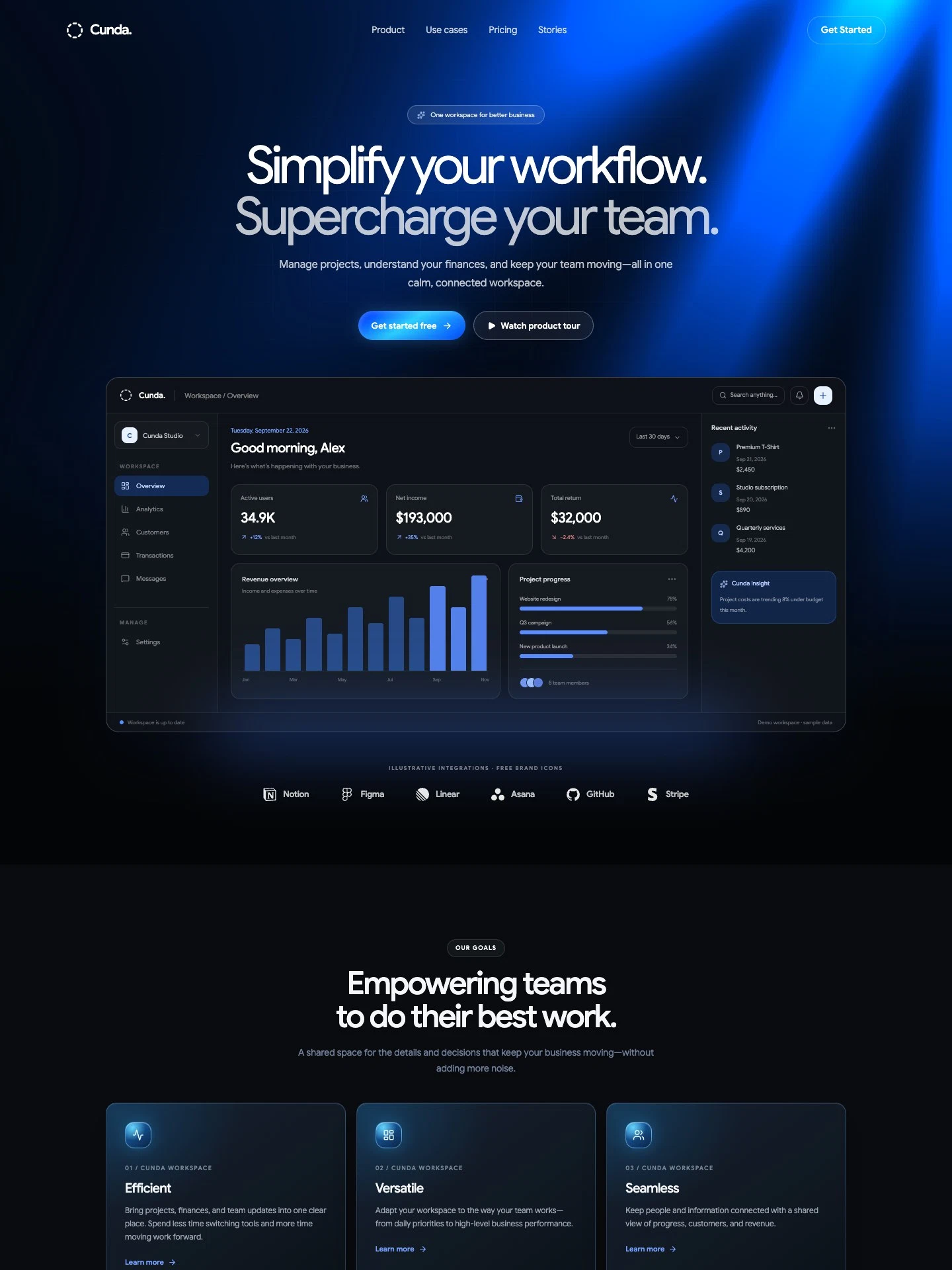
Team Collaboration SaaS Landing Page
For SaaS teams marketing collaboration and business software. Includes a workspace demo, product benefits, subscription pricing, sample customer stories, and free-trial calls to action.
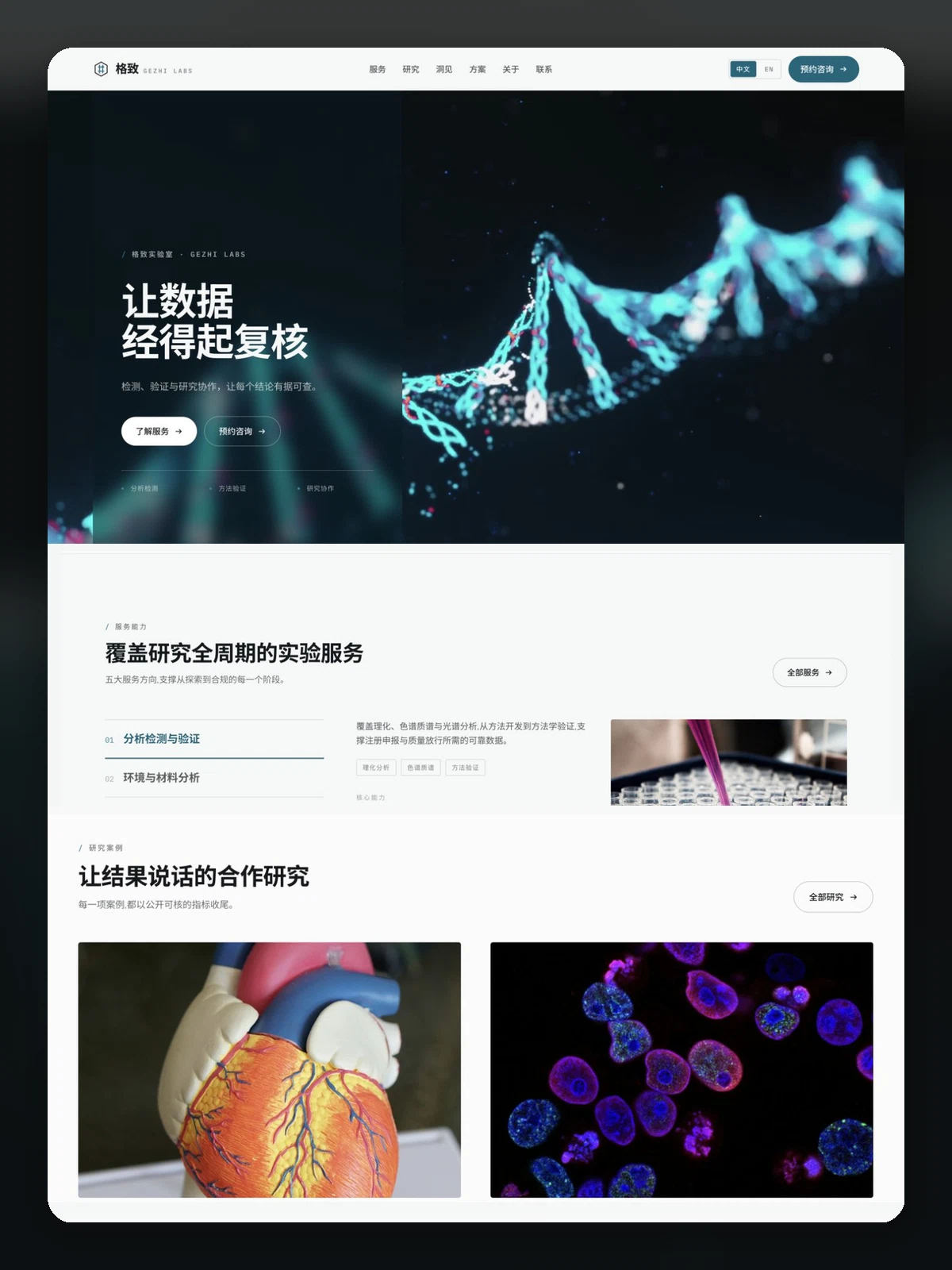
Gezhi Labs
For third-party testing labs, research facilities and CRO-style services. Services, research areas, plans, publications, insights and contact, in Chinese and English.
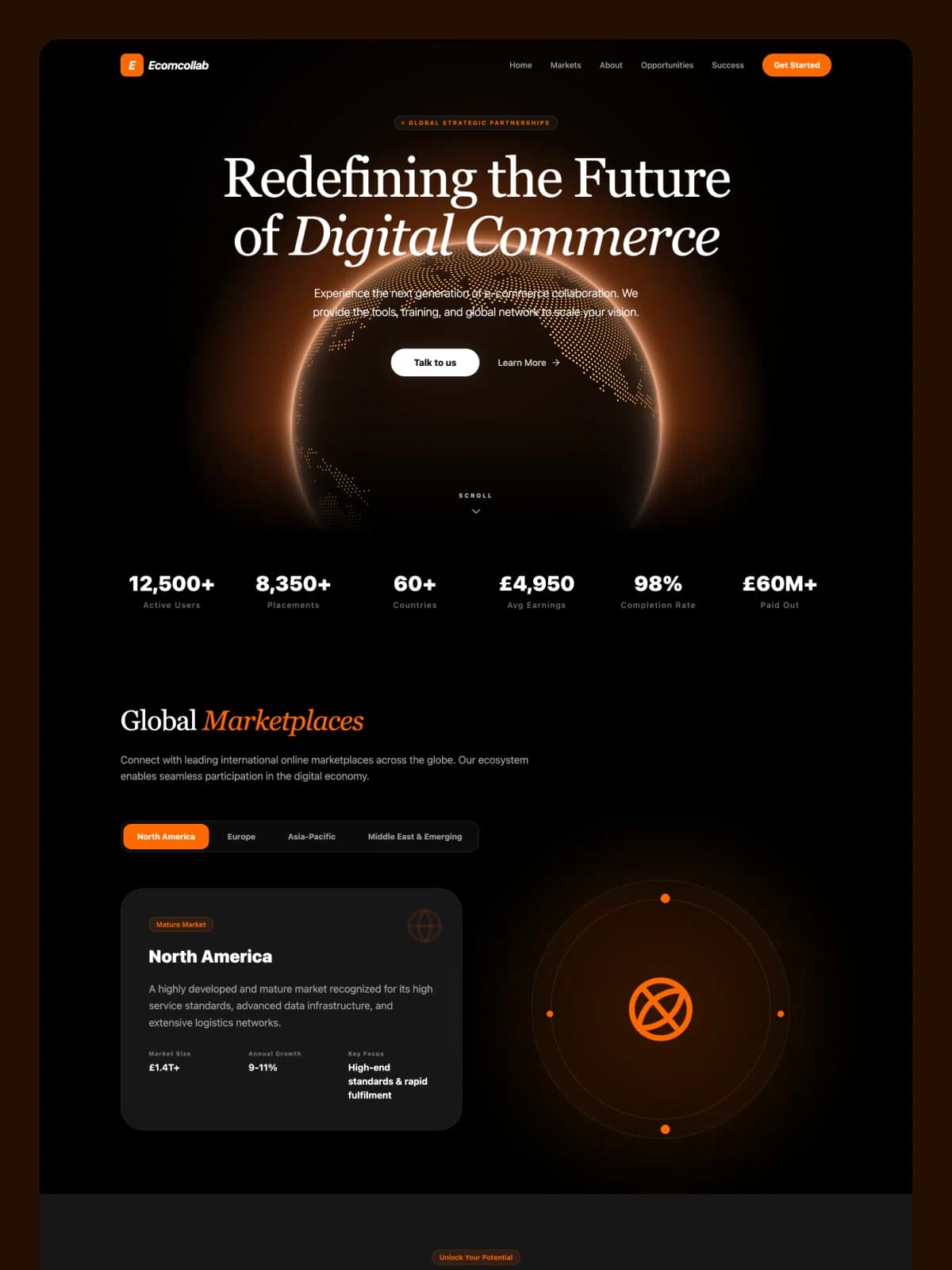
Global E-commerce Partnership Program
A partner recruitment page for digital commerce and SaaS. Single page centred on the partnership pitch and a signup entry, in English.