
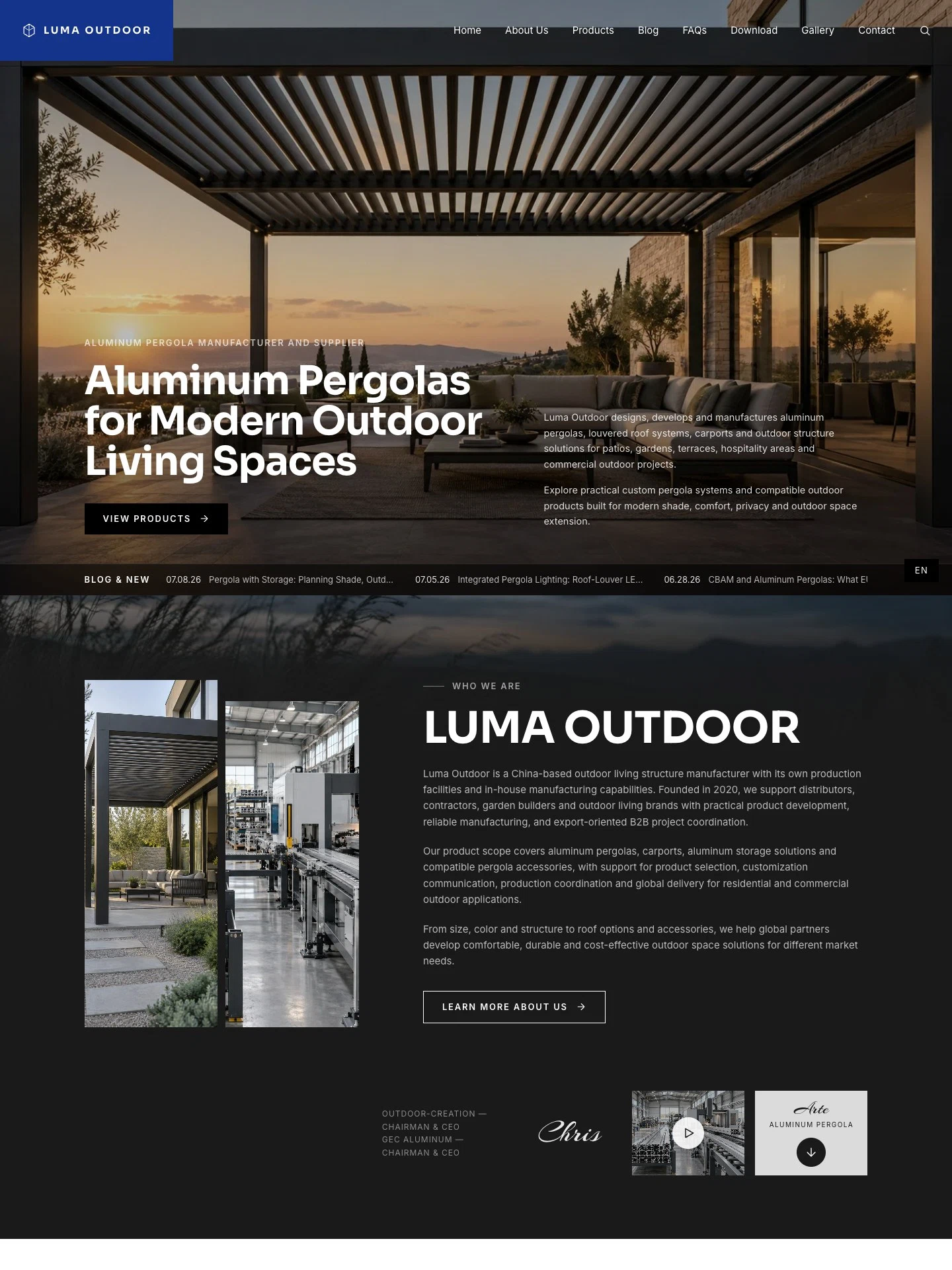
Aluminum Pergola Export B2B Website
For aluminum pergola manufacturers serving overseas buyers. Product collections, factory story, gallery, buyer articles, FAQs, catalogue download and inquiry form — all in English.
The demo is a real published Creght site. Content is placeholder.
Included pages (10)
All built and responsive. Add, remove or rename them after generating.
- Home
- Pergola hero, company story, collections, gallery and article entry points
- About
- Company background, manufacturing capability and export positioning
- Facility
- Factory facilities and production process
- Products
- Pergola, carport, outdoor storage and accessory categories
- Product Detail
- Individual product information, images and related products
- Blog
- Articles on pergola selection, accessories and import topics
- FAQs
- Answers about products and cooperation
- Download
- Product catalogue and supporting file downloads
- Gallery
- Pergola, carport and outdoor scene imagery
- Contact
- Contact details and project inquiry form
Sections on the home page
Rewrite any section with AI, or edit text and images on the canvas.
- Aluminum Pergolas for Modern Outdoor Living Spaces
- LUMA OUTDOOR
- Outdoor Living Product Collections
- A Visual Collection of Modern Outdoor Living Spaces
- Blog & News
Live preview
The real published site, embedded below. Scroll and click around inside it.
Is this template right for you?
A good fit for
- Aluminum pergola manufacturers with their own factory selling to overseas distributors and project buyers
- Export businesses presenting louvered roofs, carports and outdoor storage as product collections
- B2B teams collecting buyer leads through English content, catalogues and inquiry forms
Probably not for
- Consumer-facing retail or e-commerce — this template has no cart or online payment
- Outdoor product companies serving domestic buyers only, with no need for an English site
- Large catalogues centered on online configuration, instant quotes or complex specification filters
Common questions
Can I still edit the site after generating it from a template?
Yes. You can keep talking to the AI, or click any element on the canvas and edit text, images and styles directly. Both act on the same site and write back to real code.
Do I need to write code?
No. Generating, editing and publishing all happen in the browser — no local dev environment, no build step. If you do write code, exporting the code is supported.
Can I connect my own domain?
Custom domains with automatic SSL are included in the Pro and Max plans. The free plan does not include a custom domain or SSL, but you can still generate, edit and publish on the system-provided address.
Can I switch to a different template later?
Templates cannot be switched after the fact — you would need to create a new site. So open the live demo first and see the real thing before choosing. If you have already purchased a plan, contact support for help.
How far can I get on the free plan?
New projects start on the free plan, which covers most capabilities — cloud functions, data tables, user accounts and payments — enough to run the whole flow end to end. Each has a usage cap, and custom domains, SSL, badge removal and code export are not included.
How long does generation take?
Usually one to five minutes; complex sites take longer. What you get is a complete site that works on desktop and mobile — not a mockup.
More in this category
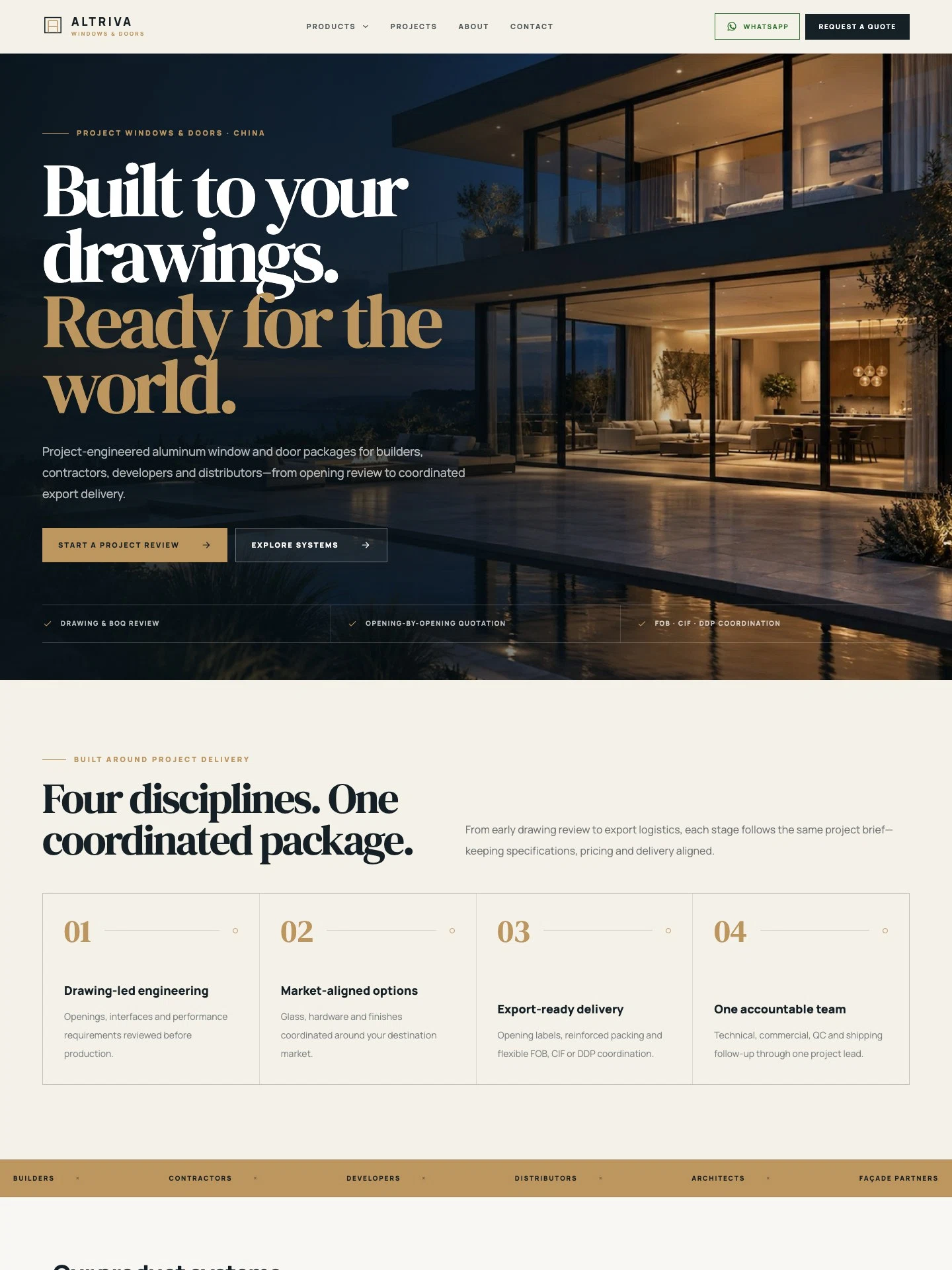
Aluminum Windows & Doors B2B Website
For aluminum window and door manufacturers serving global project buyers. Product systems, case studies, factory and QC, inquiry forms and export delivery — all in English.
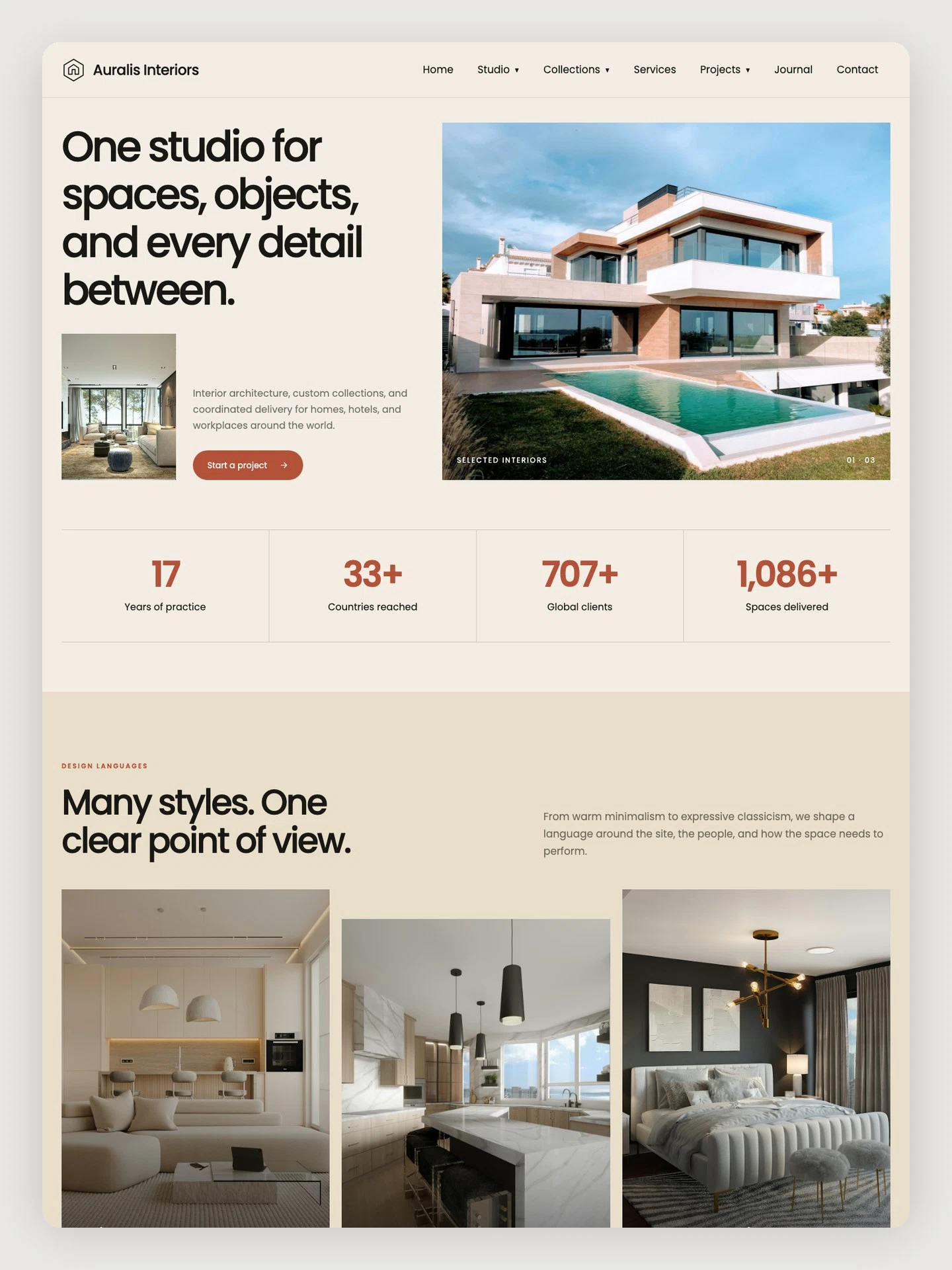
Interior Design & Sourcing Studio
For interior studios serving residential, hospitality, and workplace clients. Includes project case studies, product collections, services, journal content, an inquiry form, and CMS management.
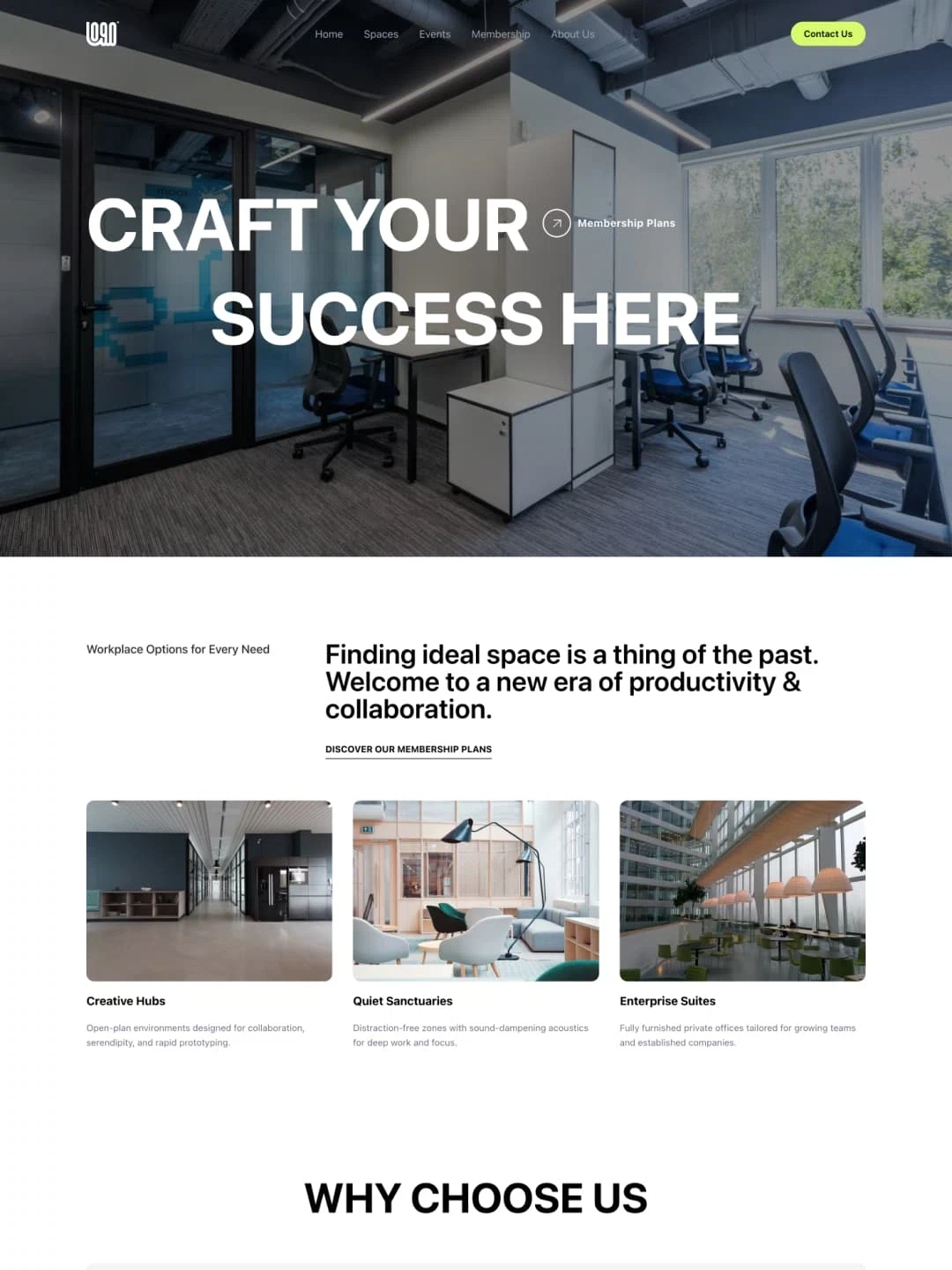
Coworking Space Website
For coworking and space rental. Locations, membership tiers, events and advantages — combining finding a desk with joining a community.