
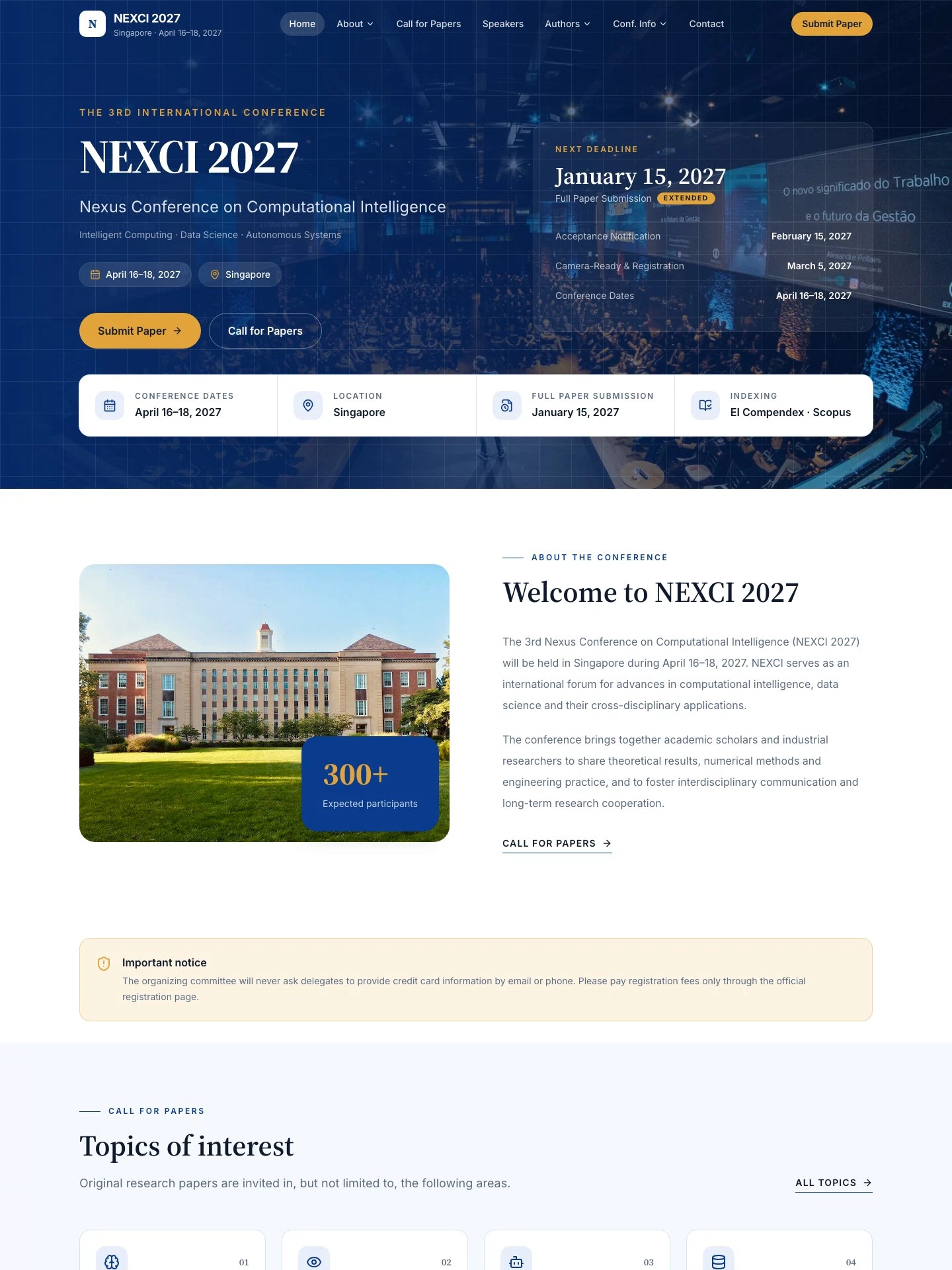
International Academic Conference Website
For universities and societies hosting international academic conferences. Calls for papers, committees, keynotes, submission and author guidelines, fees, the program, venue and news — all in English.
The demo is a real published Creght site. Content is placeholder.
Included pages (10)
All built and responsive. Add, remove or rename them after generating.
- Home
- Conference hero, next-deadline card and entry points to every section
- About
- Conference introduction, past editions and organizers, plus news
- Call for Papers
- Topics, proceedings and indexing, important dates
- Committee
- General chairs, program committee and publication chairs
- Speakers
- Keynote speaker biographies and talk titles
- Submission
- Submission steps and peer review, plus author guidelines
- Registration
- Fees by delegate type, inclusions and payment notes
- Program
- Three-day schedule with a tab for each day
- Venue
- Venue location, getting there and nearby hotels
- Contact
- Secretariat contacts, inquiry form and FAQ
Sections on the home page
Rewrite any section with AI, or edit text and images on the canvas.
- Topics of interest
- Keynote speakers
- Important dates
- Conference Proceedings
- Submit your paper
- Organized by
Live preview
The real published site, embedded below. Scroll and click around inside it.
Is this template right for you?
A good fit for
- International academic conferences and workshops run by universities or societies
- Secretariats who need calls for papers, submission, registration and schedule in one English site
- Annual conference series that reuse the same structure for each new edition
Probably not for
- Conferences needing online manuscript upload or reviewer assignment — submit and register buttons link to external systems
- Conferences for domestic attendees only, with no need for an English site
- Ticket-led commercial summits or industry events — try conference-event-ticketed
Common questions
Can I still edit the site after generating it from a template?
Yes. You can keep talking to the AI, or click any element on the canvas and edit text, images and styles directly. Both act on the same site and write back to real code.
Do I need to write code?
No. Generating, editing and publishing all happen in the browser — no local dev environment, no build step. If you do write code, exporting the code is supported.
Can I connect my own domain?
Custom domains with automatic SSL are included in the Pro and Max plans. The free plan does not include a custom domain or SSL, but you can still generate, edit and publish on the system-provided address.
Can I switch to a different template later?
Templates cannot be switched after the fact — you would need to create a new site. So open the live demo first and see the real thing before choosing. If you have already purchased a plan, contact support for help.
How far can I get on the free plan?
New projects start on the free plan, which covers most capabilities — cloud functions, data tables, user accounts and payments — enough to run the whole flow end to end. Each has a usage cap, and custom domains, SSL, badge removal and code export are not included.
How long does generation take?
Usually one to five minutes; complex sites take longer. What you get is a complete site that works on desktop and mobile — not a mockup.
More in this category

School Website Template
For schools, colleges and training institutions. Academic programmes, news and online applications — formal in tone, for institutions that need credibility.
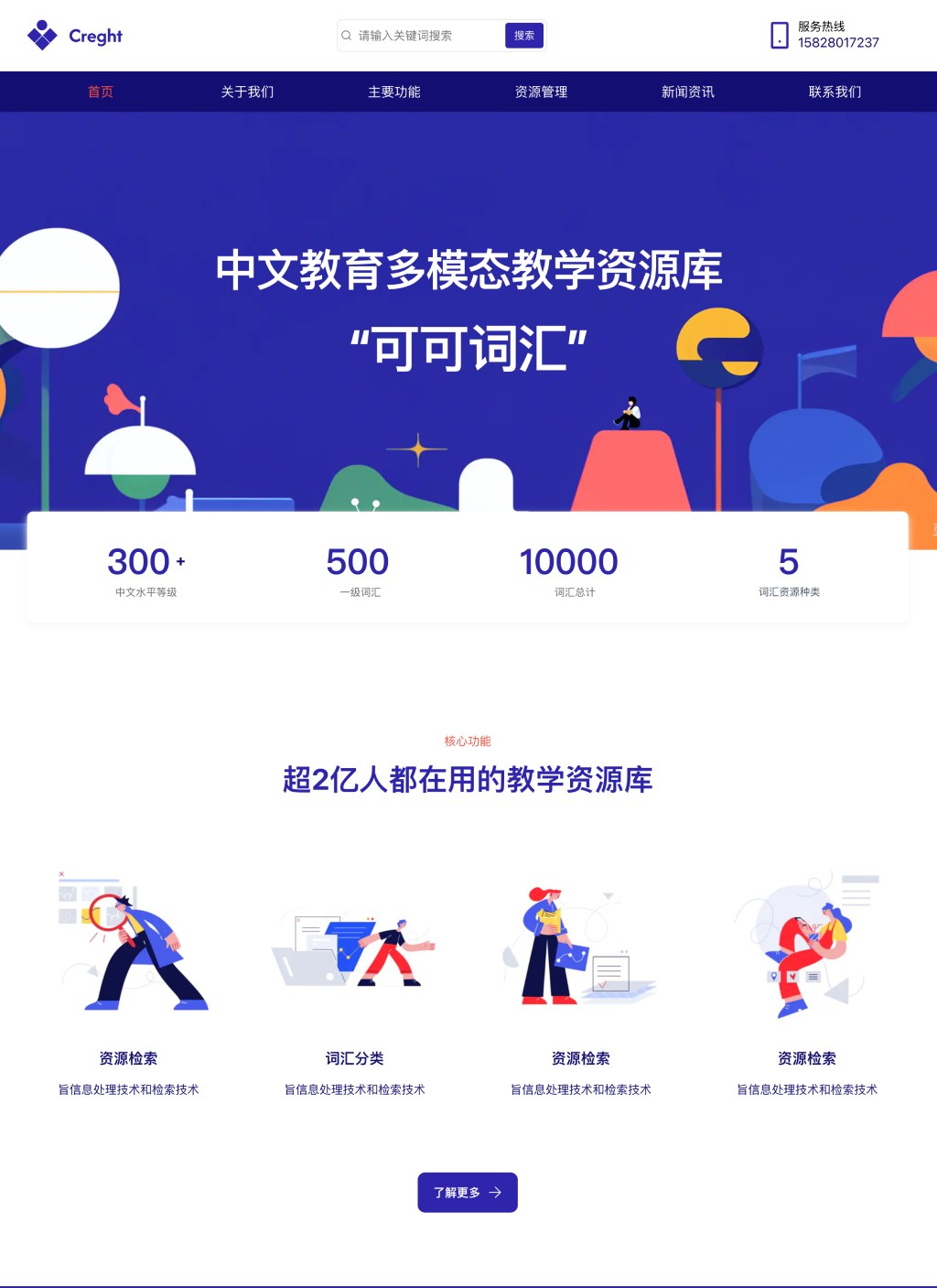
Education Website Template
For online education and learning resource platforms. Resource listing, resource detail, features and news — more product-like than school.