
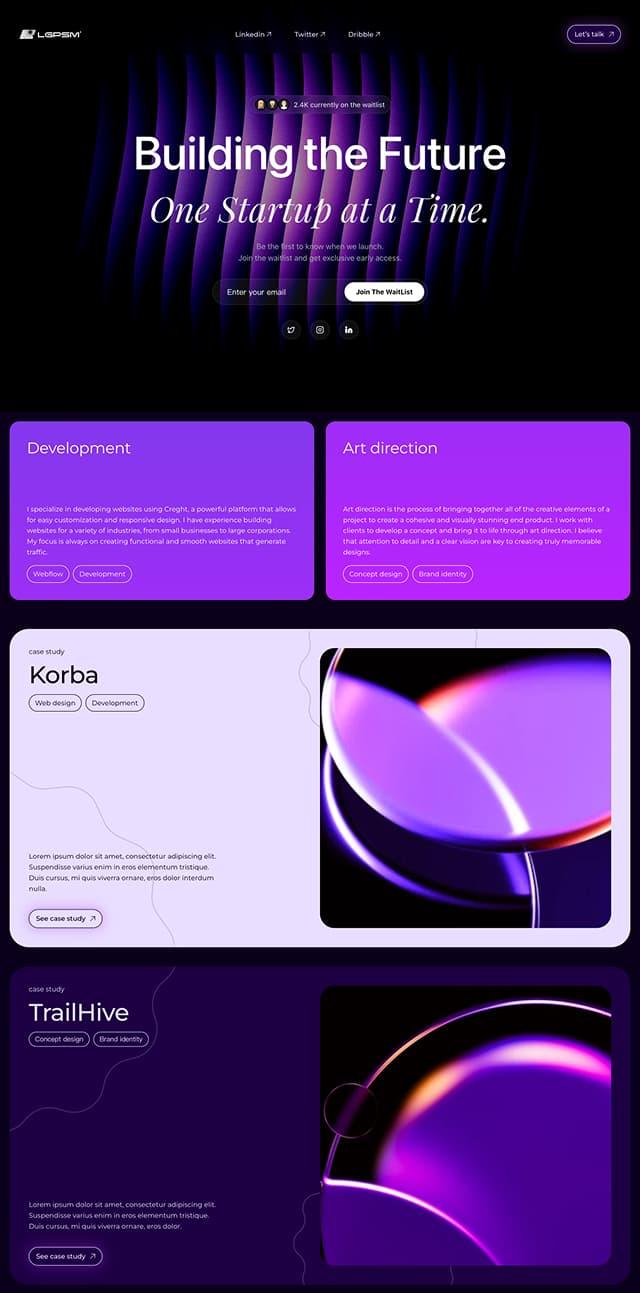
Startup Studio & Portfolio
A purple-gradient waitlist page for startup studios. Beyond email capture it carries service sections and case studies — for building a list while showing work.
The demo is a real published Creght site. Content is placeholder.
Included pages (1)
All built and responsive. Add, remove or rename them after generating.
- Single page
- Waitlist, services and cases in one scroll
Sections on the home page
Rewrite any section with AI, or edit text and images on the canvas.
- One startup at a time
- Live waitlist count
- Development and art direction
- Case studies
- FAQ
Live preview
The real published site, embedded below. Scroll and click around inside it.
Is this template right for you?
A good fit for
- Startup studios, incubators and product teams
- Teams that need both a waitlist and a portfolio
- Early projects that must prove capability through cases
Probably not for
- Products that only need email capture — see ai-product-waitlist
- Companies needing a full site structure
- Brand-new teams with no cases; that section will sit empty
Common questions
Can I still edit the site after generating it from a template?
Yes. You can keep talking to the AI, or click any element on the canvas and edit text, images and styles directly. Both act on the same site and write back to real code.
Do I need to write code?
No. Generating, editing and publishing all happen in the browser — no local dev environment, no build step. If you do write code, exporting the code is supported.
Can I connect my own domain?
Custom domains with automatic SSL are included in the Pro and Max plans. The free plan does not include a custom domain or SSL, but you can still generate, edit and publish on the system-provided address.
Can I switch to a different template later?
Templates cannot be switched after the fact — you would need to create a new site. So open the live demo first and see the real thing before choosing. If you have already purchased a plan, contact support for help.
How far can I get on the free plan?
New projects start on the free plan, which covers most capabilities — cloud functions, data tables, user accounts and payments — enough to run the whole flow end to end. Each has a usage cap, and custom domains, SSL, badge removal and code export are not included.
How long does generation take?
Usually one to five minutes; complex sites take longer. What you get is a complete site that works on desktop and mobile — not a mockup.
More in this category
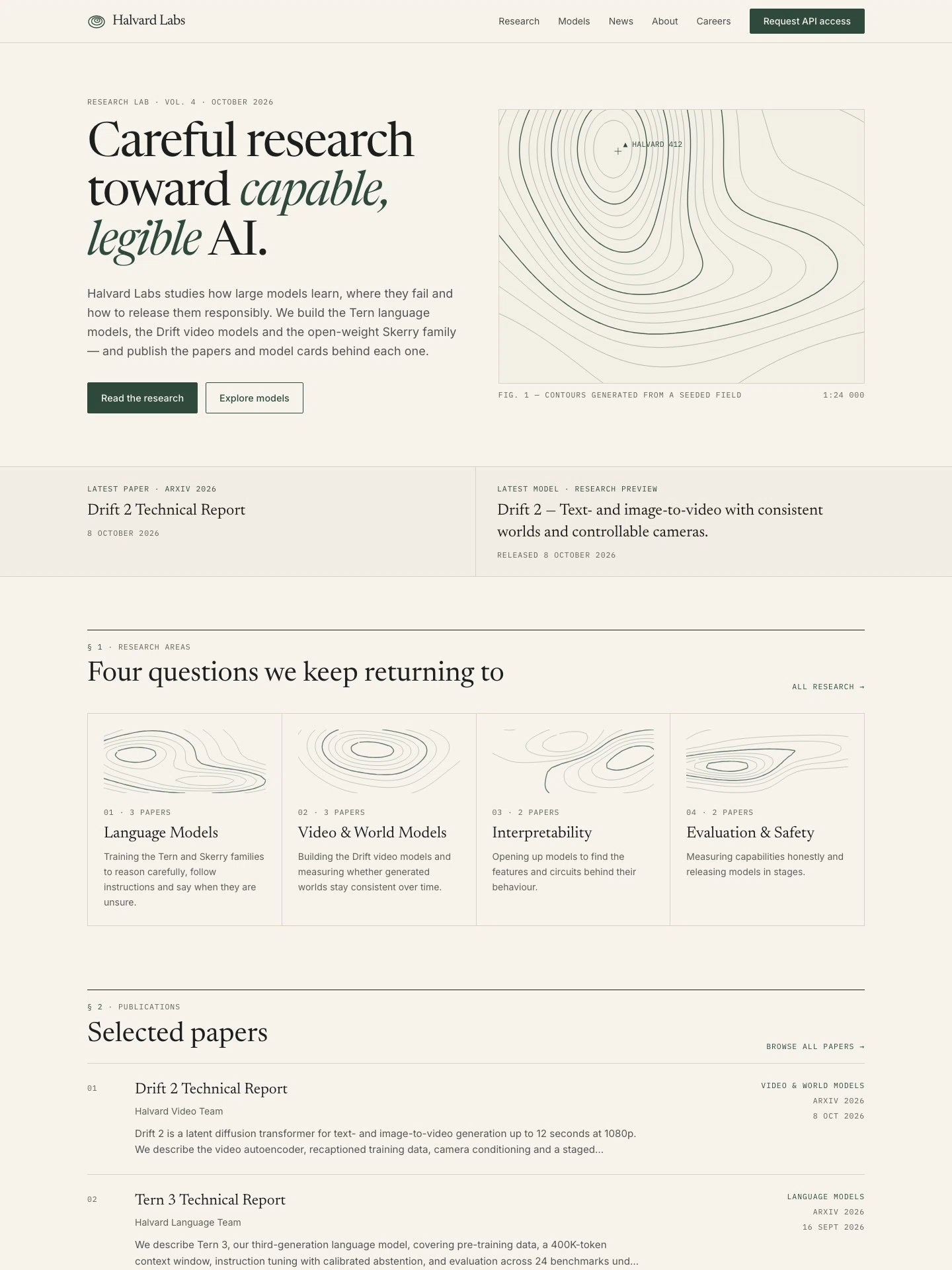
AI Research Lab Website
For AI labs building language and video models. A paper library with research-area pages, model cards with benchmark tables, explainers, careers and API access requests — all in English.
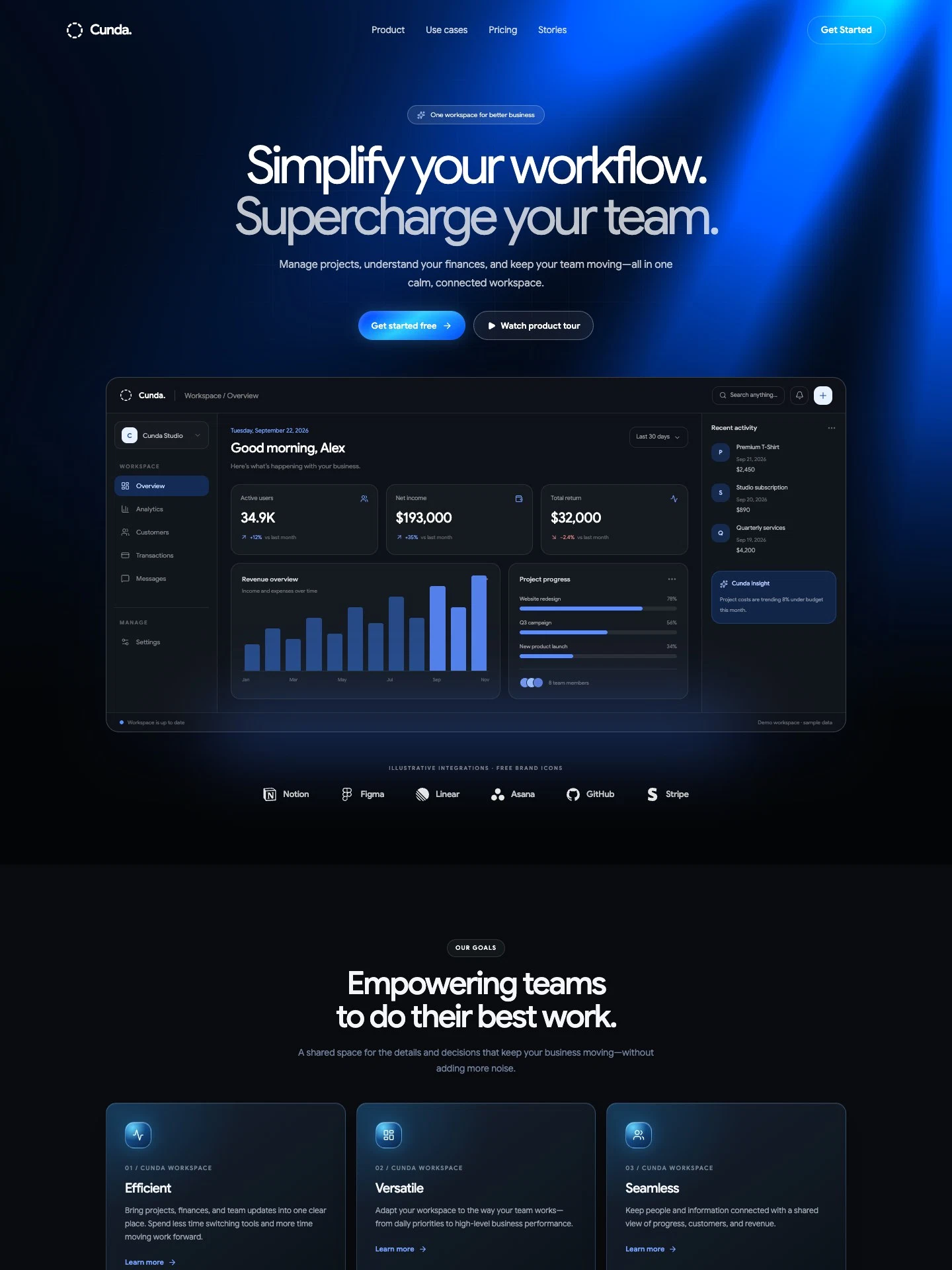
Team Collaboration SaaS Landing Page
For SaaS teams marketing collaboration and business software. Includes a workspace demo, product benefits, subscription pricing, sample customer stories, and free-trial calls to action.
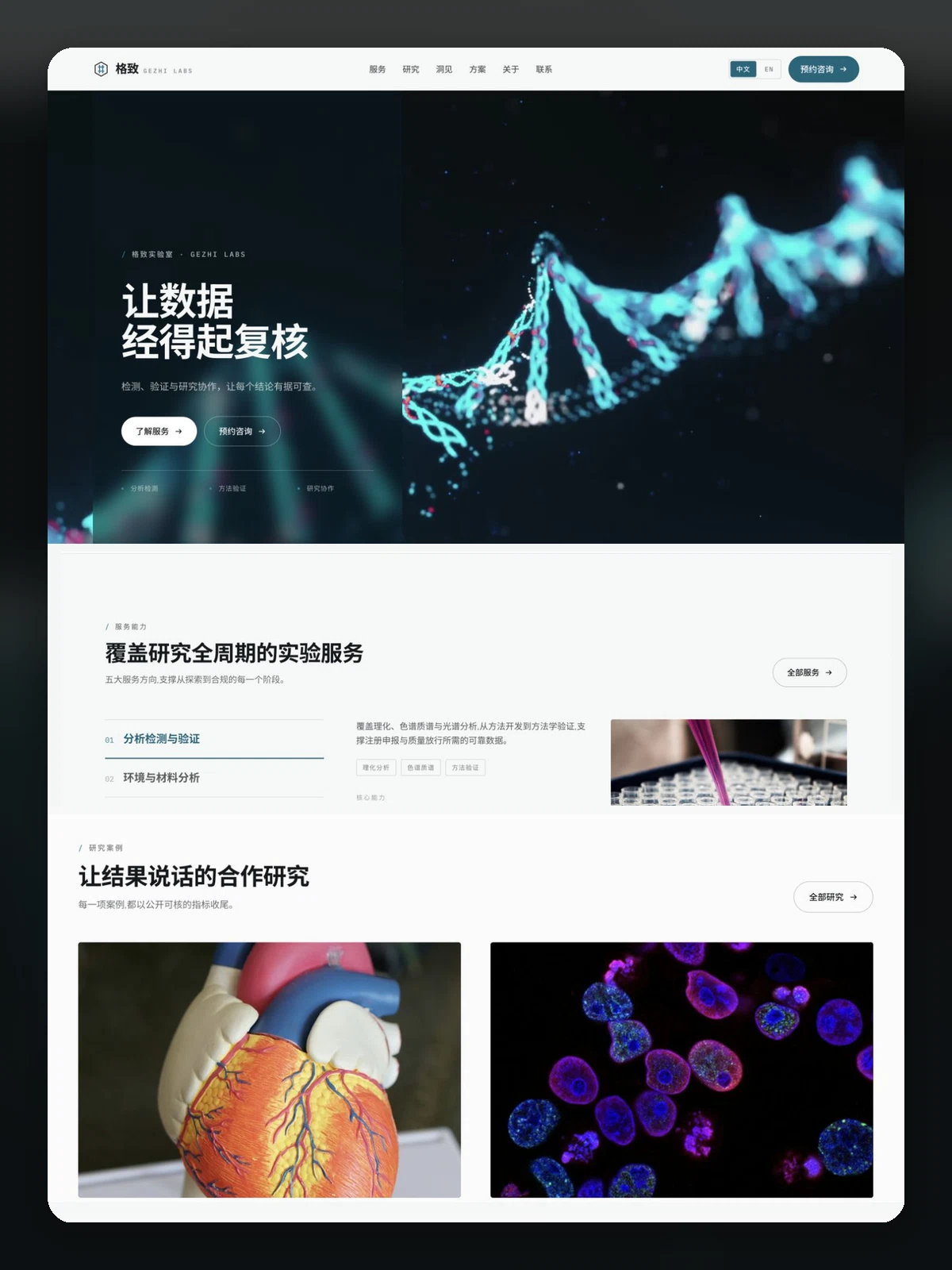
Gezhi Labs
For third-party testing labs, research facilities and CRO-style services. Services, research areas, plans, publications, insights and contact, in Chinese and English.