Alibaba Cloud Domain Purchase Guide (Beginner Version)
If you are preparing to build a website, such as a Creght site, company website, or foreign trade independent site, you need to purchase a domain name first. The whole process usually takes about 5 minutes. Reference: Alibaba Cloud Help Center
Step 1: Register and Log In to Alibaba Cloud
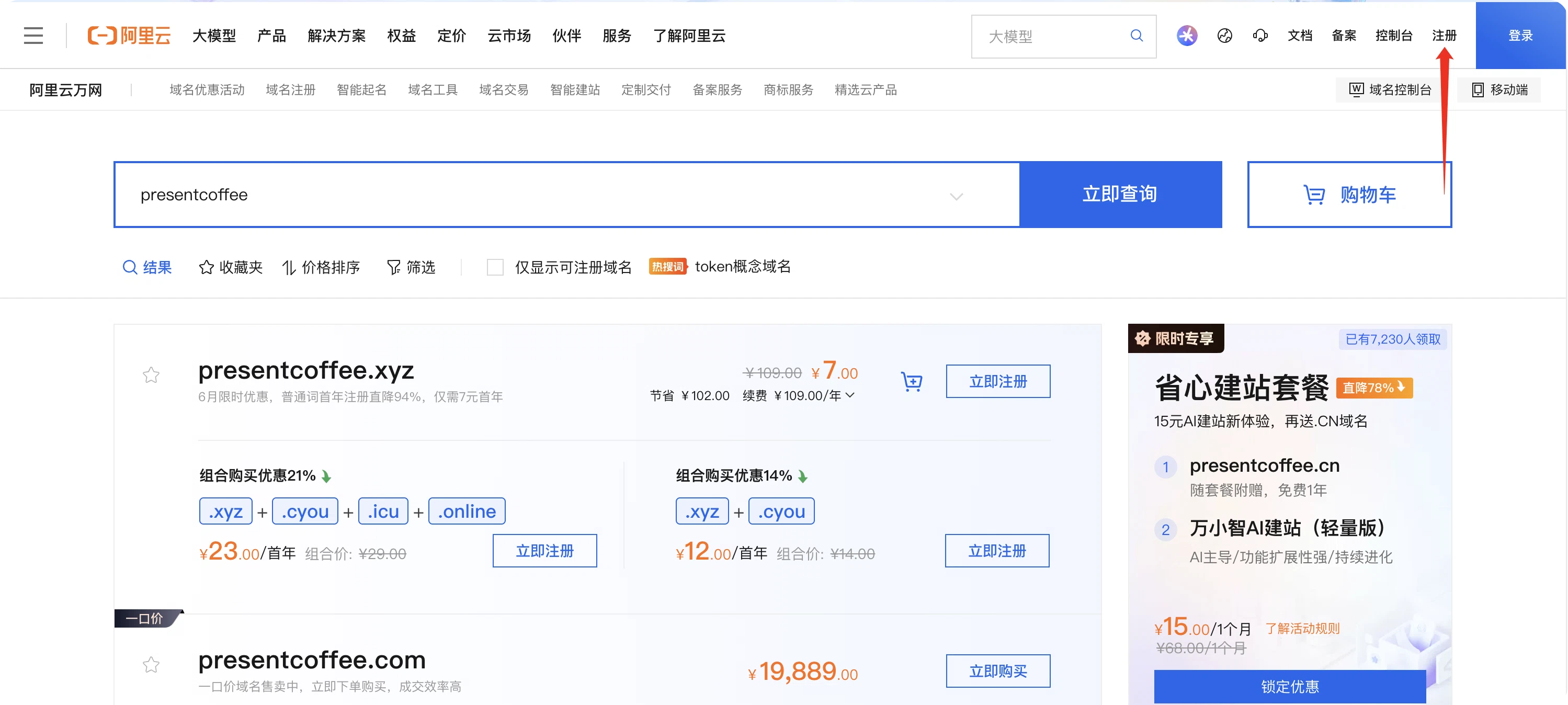
Go to: Alibaba Cloud Domain Registration
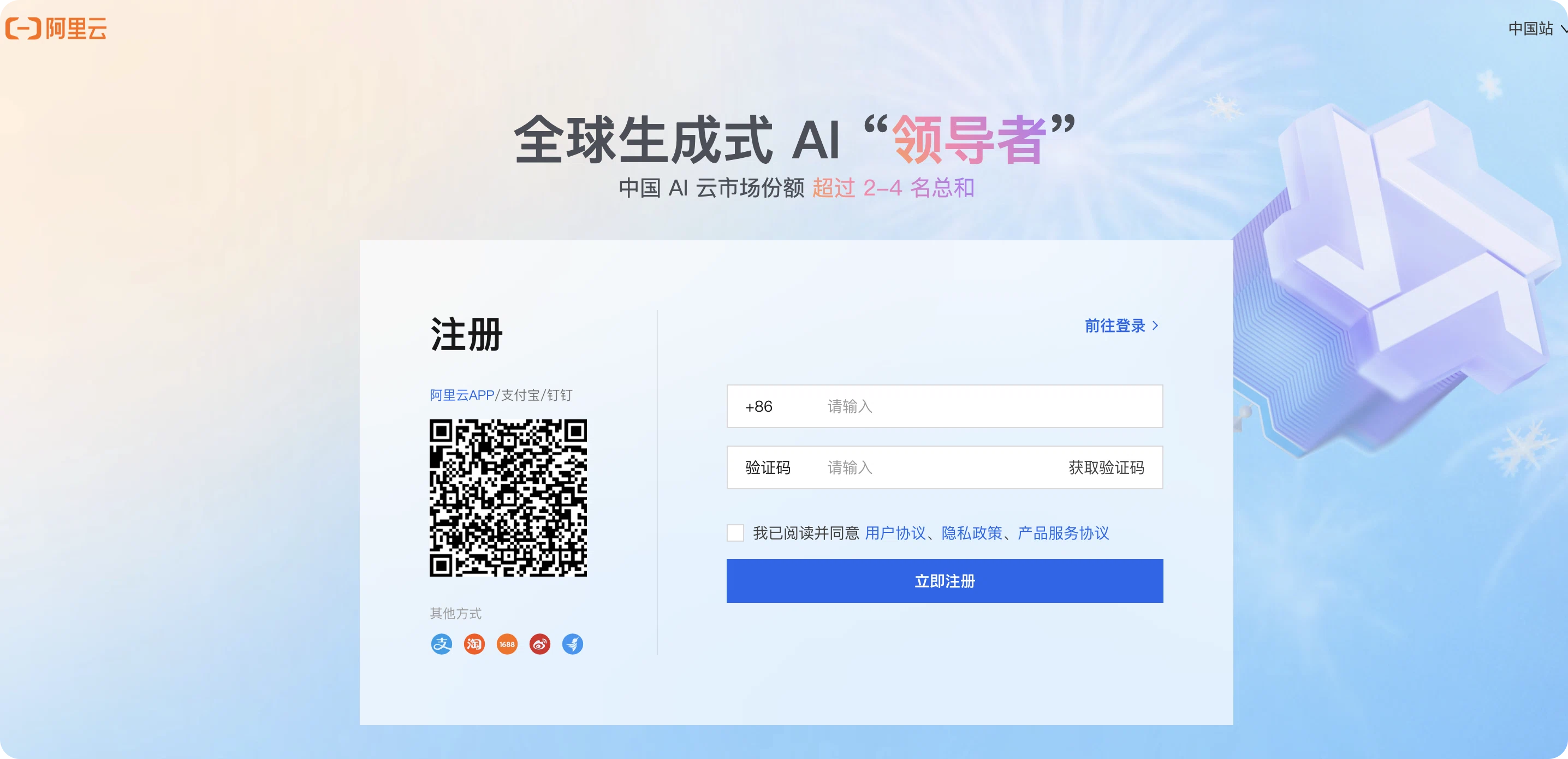
If you do not have an account, complete the following first:
- Register with a mobile phone number
- Complete real-name verification
You can purchase a domain only after real-name verification is complete.
Step 2: Search for the Domain You Want
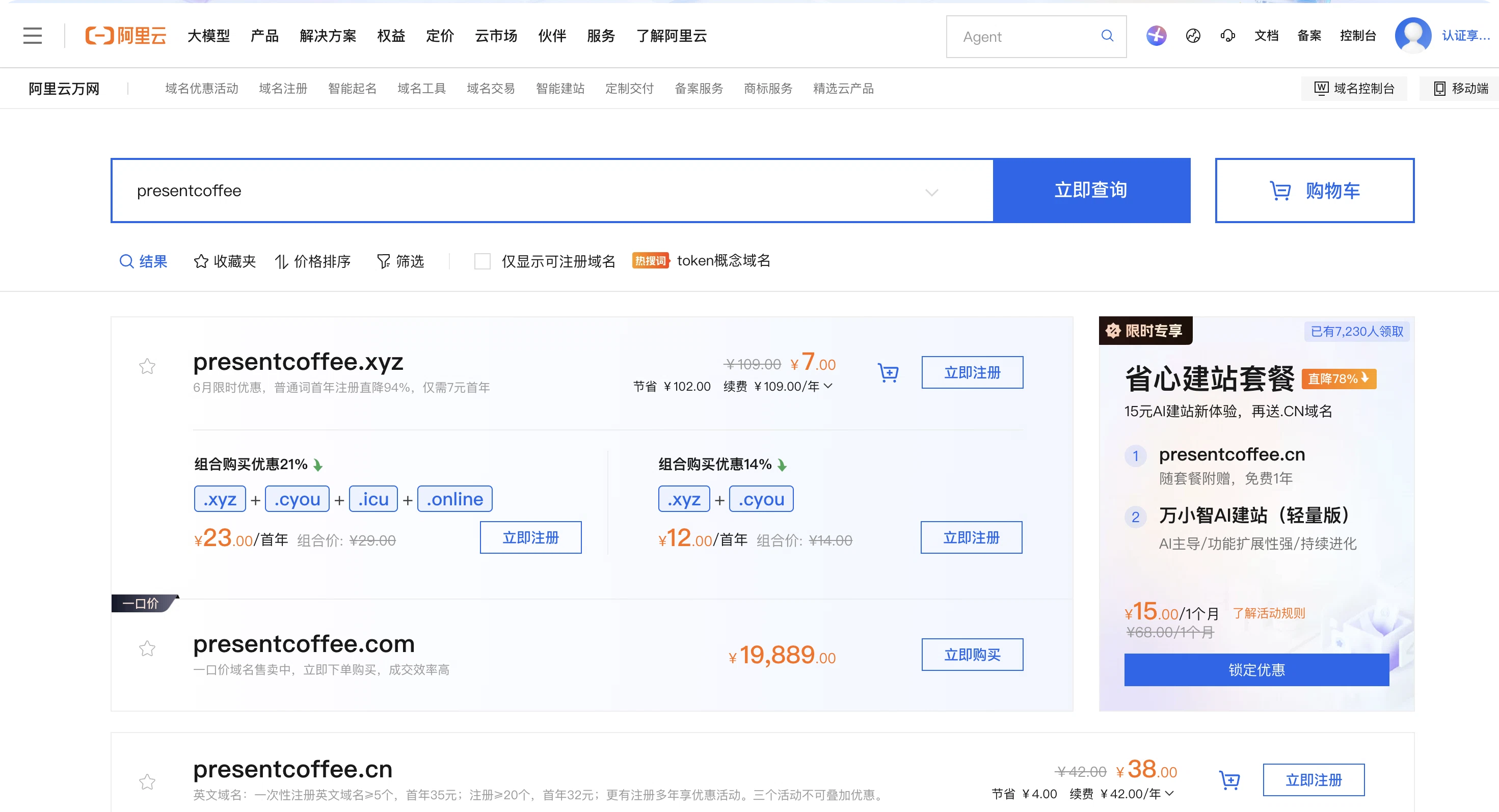
Enter the domain name you want in the search box, for example:
- creght.com
- mycompany.com
- abcstudio.cn
Click Search.
The system will show the domain status:
- Available
- Registered
- Available for purchase from the current owner
If the domain is available, you can proceed with the purchase.
Step 3: Choose a Domain Extension
Common extension recommendations:
| Extension | Use Case |
|---|---|
| .com | First choice, widely used internationally |
| .cn | Chinese companies |
| .net | Technology websites |
| .io | AI and SaaS products |
| .co | Startups |
| .xyz | Common for AI products |
For foreign trade independent sites:
Choose
.comfirst when possible.
Step 4: Create an Information Template
Before purchasing, you need to fill in the domain holder information.
Click Create Information Template.
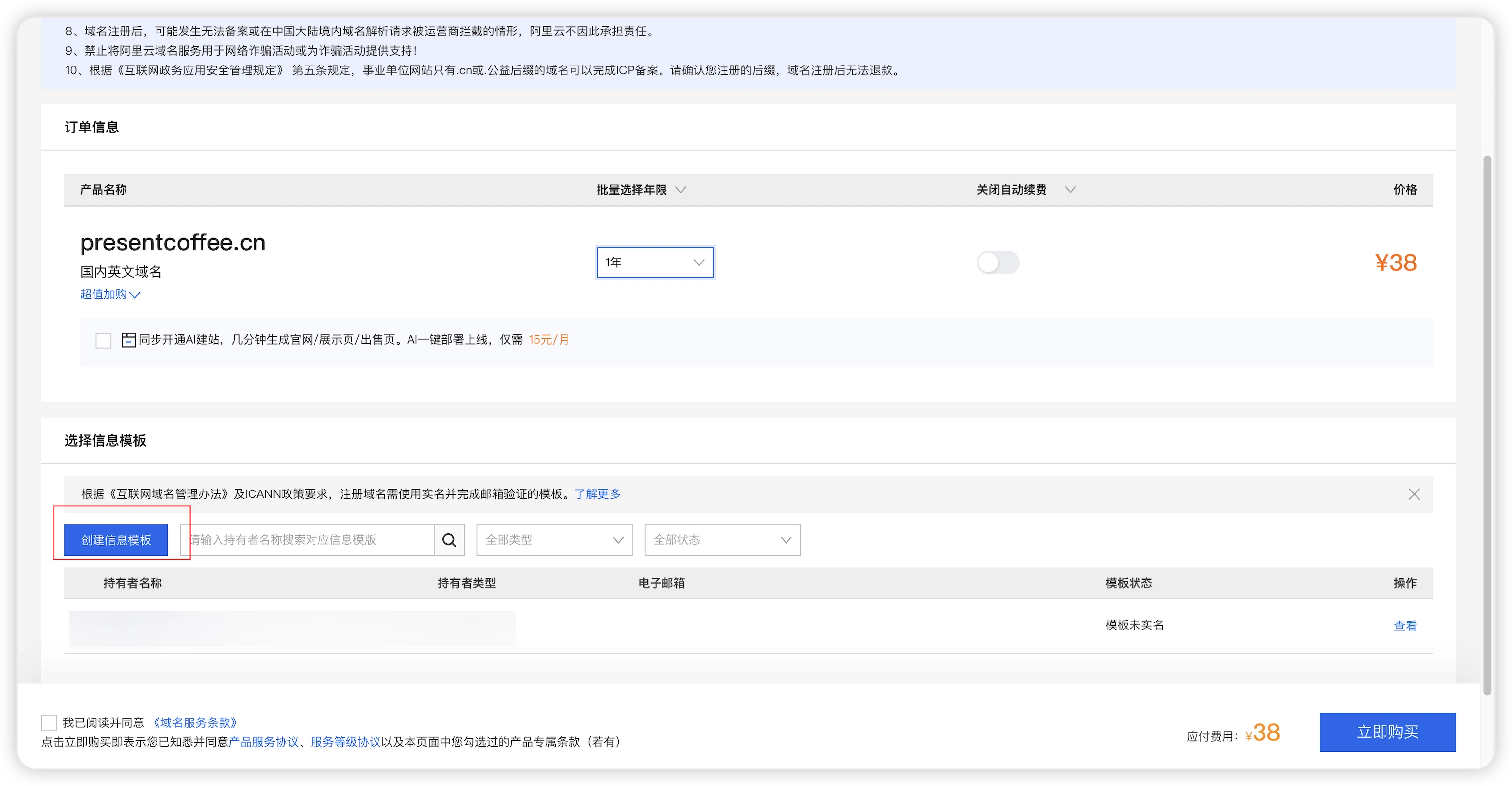
Choose the correct holder type:
- Individual
- Company
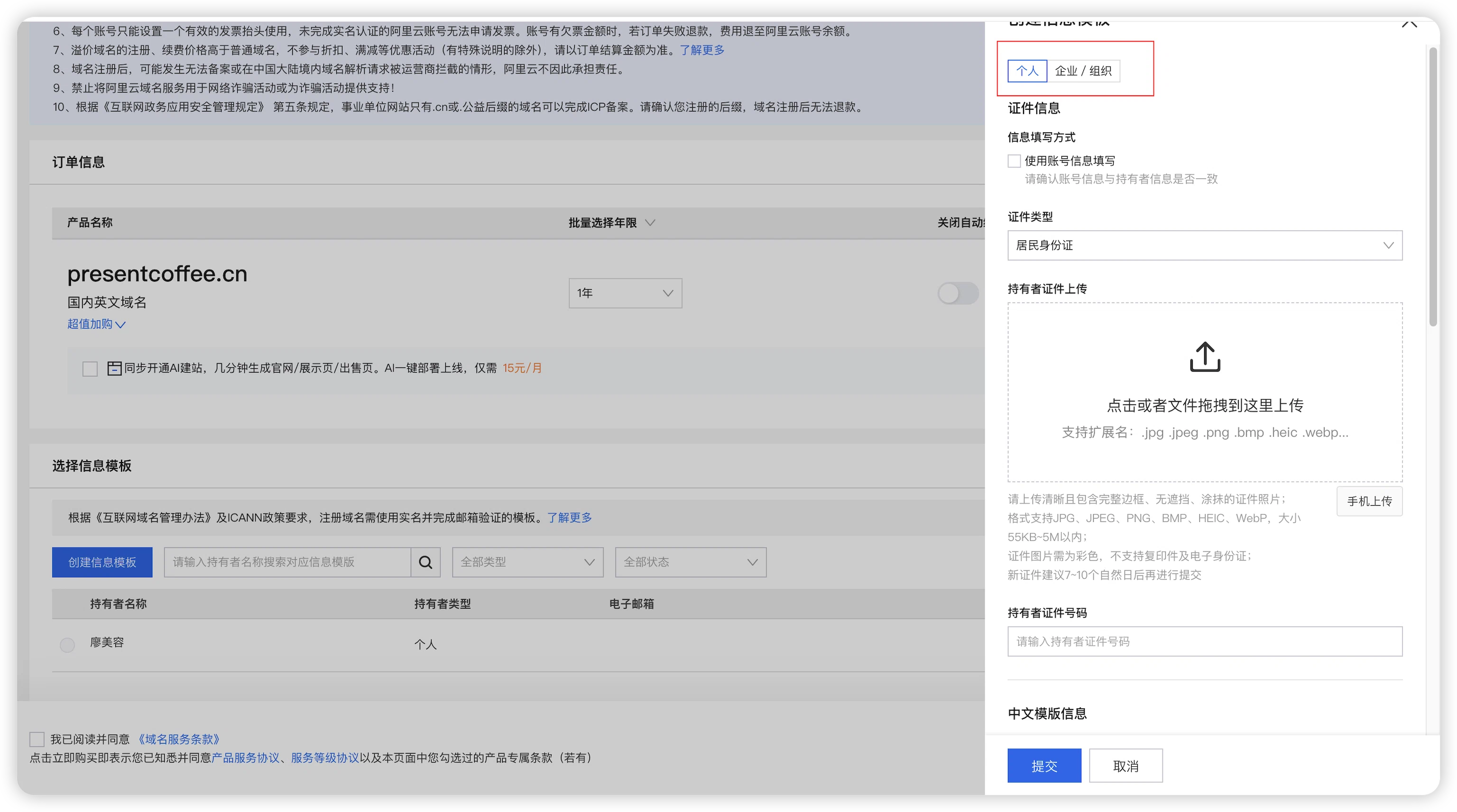
Then fill in the required information:
- Name
- ID card
- Mobile phone number
Submit the template and wait for review.
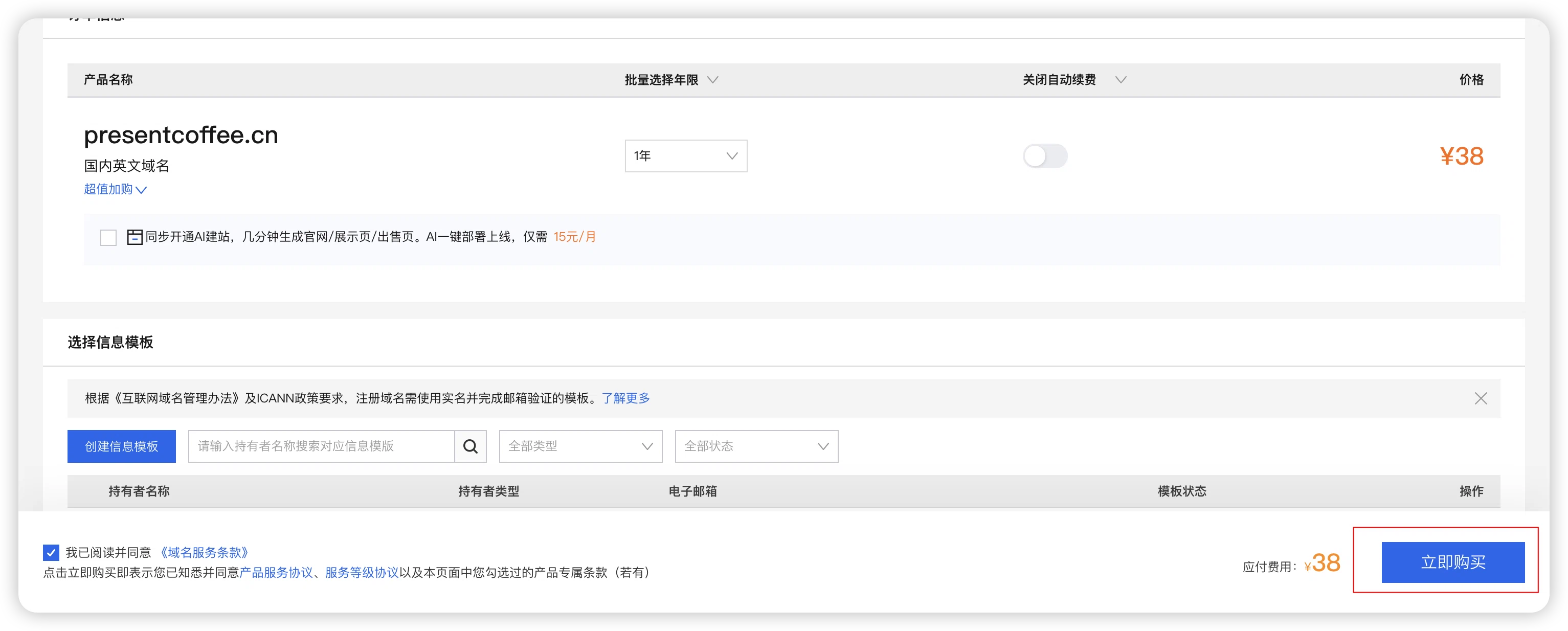
Step 5: Submit the Order and Pay
Then complete the payment.
Step 6: View Your Domain
After purchase, go to:
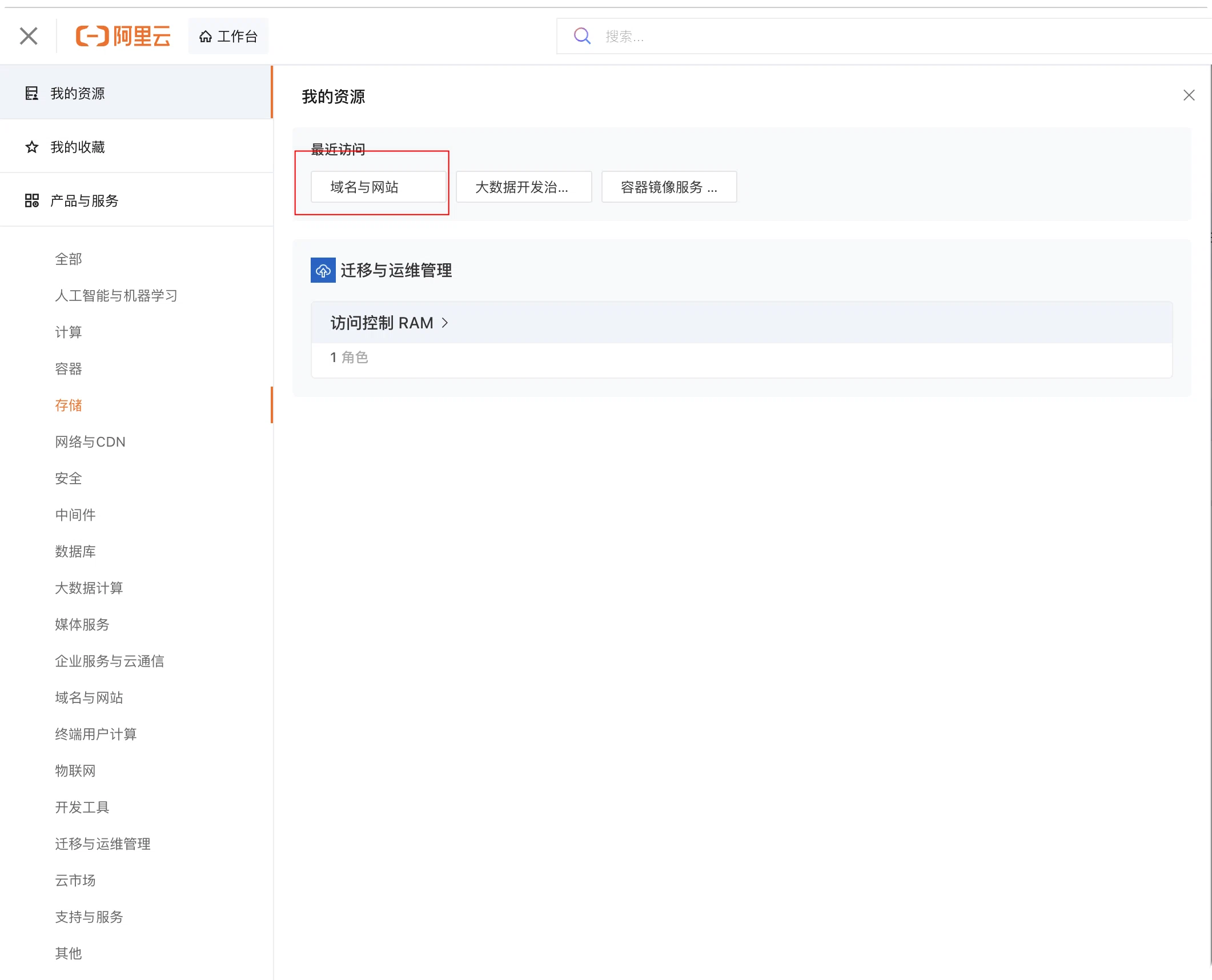
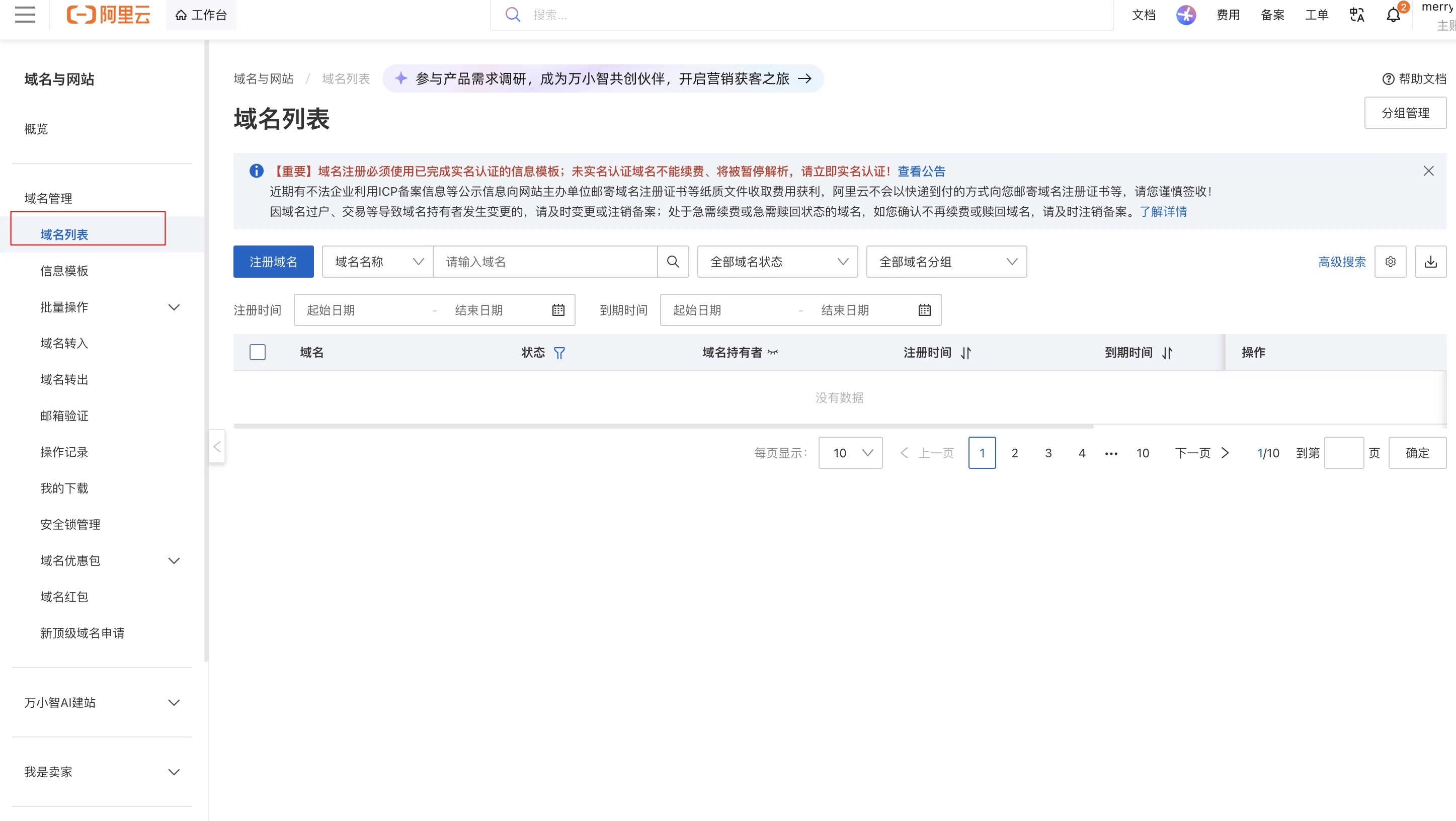
Console → Domains
You will see the domain you just purchased.